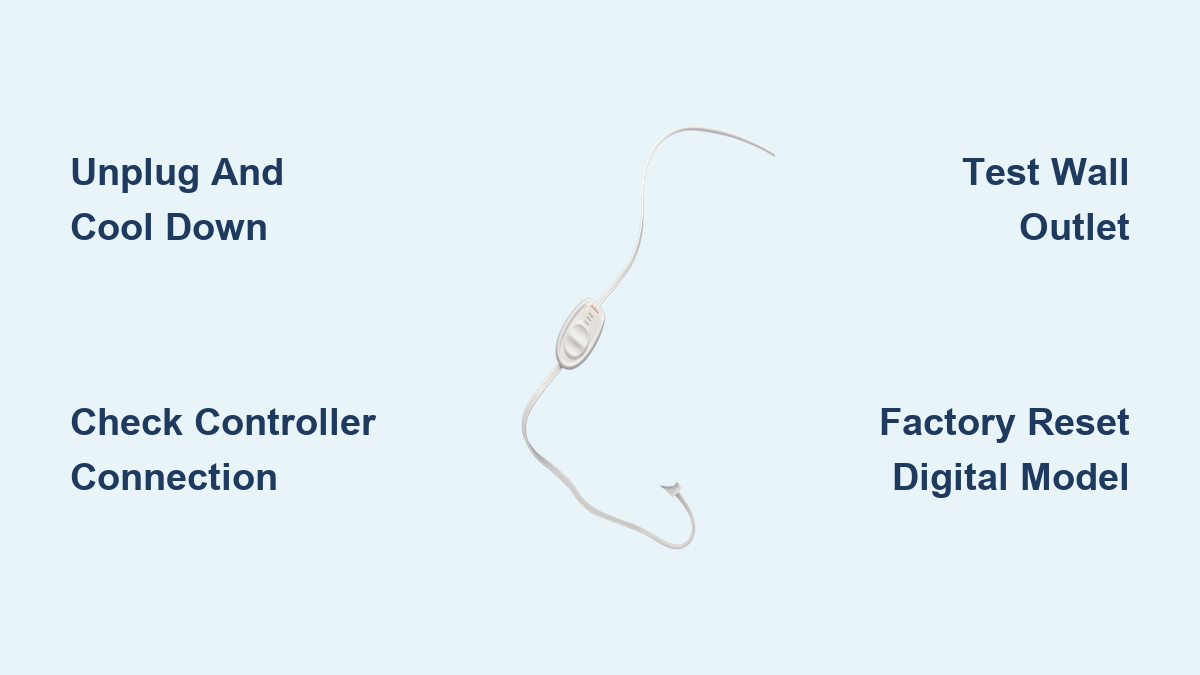
How to Reset a Sunbeam Heating Pad
Your Sunbeam heating pad suddenly stops working right in the middle of a relaxing session. No heat, no lights, nothing. Before you toss it in the trash, a simple reset might bring it back to life. This guide walks you through exactly how to reset a Sunbeam heating pad, fix common issues, and keep it running safely for years.
You’ll learn step-by-step reset methods, what to do when the controller acts up, how to handle overheat protection triggers, and when it’s time to replace your pad instead.
Unplug and Cool Down Completely

Safety comes first. Always disconnect your heating pad from power before attempting any reset or inspection.
Disconnect from the Power Source
Unplug the heating pad from the wall outlet right away. Cutting the electrical flow allows the internal thermal fuse and control unit to reset on their own. Never poke around or press buttons while the unit is still plugged in.
Wait 5 to 10 Minutes
Let the pad cool down fully, even if it didn’t feel hot. This waiting period gives the overheat protection sensor time to reset itself. Most Sunbeam pads have built-in auto-shutoff and thermal cutoffs that kick in after long use or sudden temperature spikes.
Inspect for Visible Damage
While the pad is unplugged, check for warning signs:
– Burn marks or discoloration on the fabric
– Water or moisture stains
– Frayed wires or bent connector pins
– Swelling, lumps, or bubbling in the surface
If you spot any of these, stop using the pad immediately and replace it.
Check the Controller and Heat Settings

Sometimes the problem isn’t a true malfunction. It’s just a setting issue or loose connection.
Verify the Heat Level
Make sure the controller dial isn’t stuck on “Low” or “Off.” Turn it to Medium or High and listen for a soft click. That click means the heating element is activating.
Reconnect the Controller Cable
Unplug the controller from the pad’s input port, then plug it back in firmly. A loose connection is one of the most common reasons a heating pad won’t power on. You should hear or feel a click when the plug seats properly.
Read the Indicator Lights
Your controller’s light tells a story:
– Steady light means normal operation
– Blinking light signals a possible fault
– No light means no power is reaching the unit
If there’s no light at all, move on to outlet testing.
Reset the Electrical Circuit
The problem might not be the pad itself. It could be the power source.
Test the Wall Outlet
Plug a lamp or phone charger into the same outlet. If that device works, the outlet is fine. Try a different outlet if you suspect the first one is dead.
Avoid Extension Cords and Power Strips
Plug your heating pad straight into a wall outlet. Extension cords and power strips can interrupt steady power flow and cause erratic behavior. Shared circuits with microwaves or space heaters can also create voltage drops.
Power Cycle the Pad
Once you’ve confirmed the outlet works:
1. Plug the heating pad in
2. Turn the controller to “Off”
3. Wait 30 seconds
4. Turn it to your desired heat setting
This soft reset often clears minor glitches and restores normal function.
Handle Overheat Protection Triggers
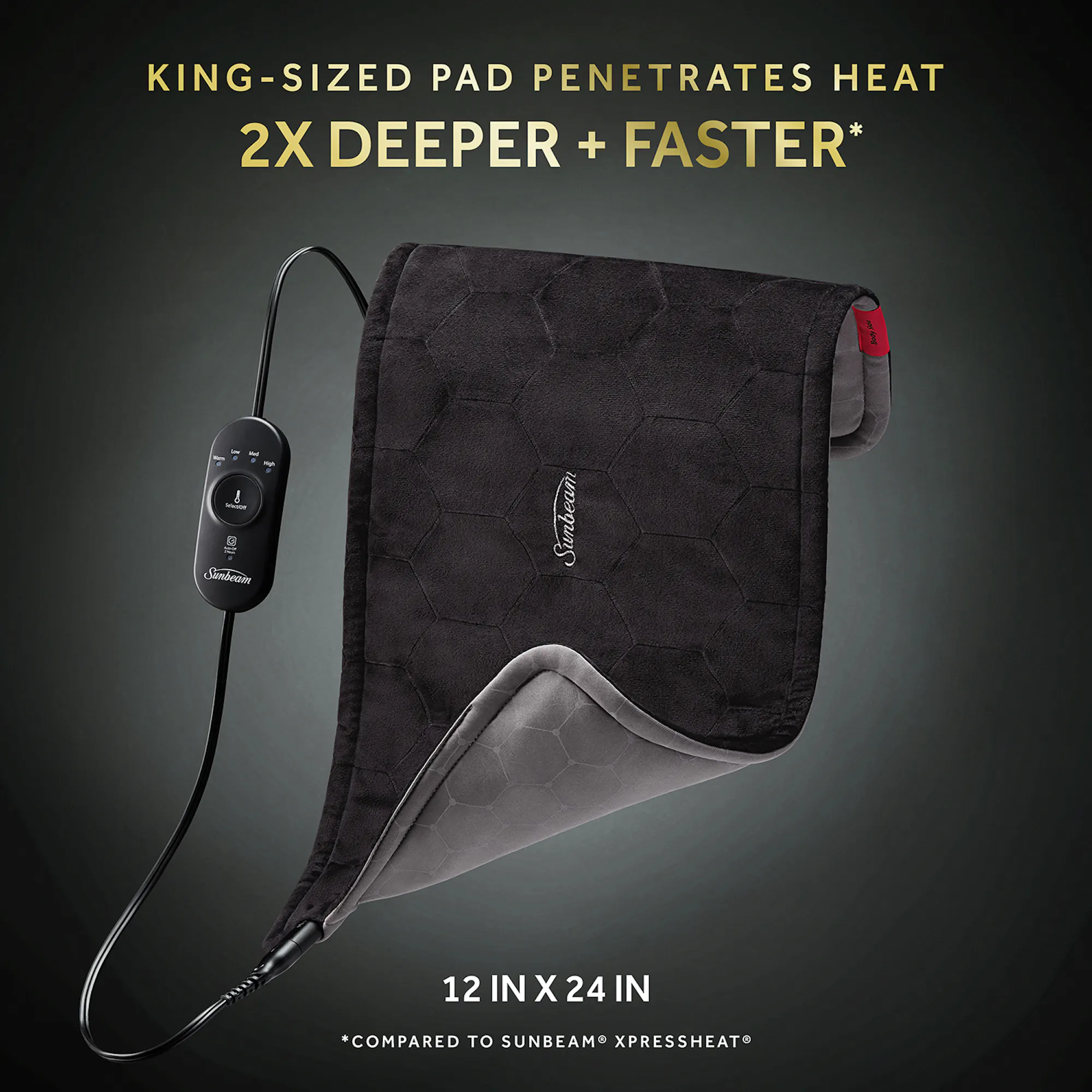
Sunbeam pads come with safety sensors that shut the unit off if it gets too hot. This isn’t a defect. It’s a feature.
Recognize Auto-Shutoff Signs
Your pad might shut off after 10 to 20 minutes of continuous use. The controller light may turn off unexpectedly. These are signs the overheat sensor did its job.
Help the Thermal Fuse Reset
You can speed things up by laying the pad flat and unfolded. Keep objects off the surface and avoid bunching it under pillows or blankets. Don’t crank the heat back up right after a shutoff. Wait at least 20 minutes before using it again.
Perform a Factory Reset on Digital Models
If you own a digital or programmable Sunbeam pad, a full factory reset may clear stuck settings or error codes.
Reset Digital Control Pads
For models with displays or preset timers:
1. Unplug the unit
2. Wait 5 minutes
3. Plug it back in
4. Press and hold the “On/Off” and “Timer” buttons for 10 seconds
5. Release when the lights flash
This wipes corrupted settings and returns the pad to its default state.
Confirm the Reset Worked
After resetting, check that the display shows default settings and all indicator lights return to baseline. The pad should respond to new inputs right away. If nothing changes, repeat the process once before assuming hardware failure.
Troubleshoot Reset Failures

Still having problems? Dig a little deeper.
No Power After Reset
Walk through this checklist:
– Test the outlet with another device
– Check your home’s circuit breaker panel
– Look for a blown thermal fuse (permanent damage)
– Inspect the power cord for cuts or exposed wires
A completely dead pad with zero lights usually means an internal component failed.
Uneven or Spotty Heating
This often points to:
– Internal wire displacement from folding
– Moisture trapped inside the pad
– Compressed heating coils from heavy use
Always lay the pad flat during use and avoid folding it while it’s turned on.
Beeping or Flashing Patterns
Some digital models use sound and light codes:
– Two beeps mean overheat detected
– Rapid blinking suggests a sensor malfunction
– No response at all points to control unit failure
Stop using the pad if error patterns keep repeating.
Prevent Future Heating Pad Problems
A little care goes a long way toward extending your pad’s life.
Follow Safe Usage Habits
- Limit therapy sessions to 20 minutes at a time
- Never fall asleep with the pad turned on
- Keep the pad flat during use
- Keep it away from water and sharp objects
Clean Without Damaging It
Most Sunbeam heating pads are not machine washable. Spot-clean with mild soap and a damp cloth, then let it air dry completely before plugging it in. Moisture inside the pad can cause shorts and false sensor readings.
Store It the Right Way
Roll the pad loosely or fold it gently. Store it in a dry place away from extreme heat or cold. Attics, garages, and car trunks can damage the wiring and insulation over time.
Know When to Replace the Pad
Some problems can’t be fixed with a reset.
Warning Signs of Permanent Failure
Replace your heating pad if you notice:
– A burning smell during use
– Visible sparks or smoke
– Error lights that won’t clear after a reset
– No heat after trying every troubleshooting step
– Swelling or bubbling on the surface
Using a damaged pad risks burns or fire.
Expected Lifespan
Most Sunbeam heating pads last 3 to 5 years with regular use. If yours is older, consider upgrading to a newer model with better safety features like auto-shutoff timers and overheat sensors.
Contact Sunbeam Support
If your pad is still under warranty, reach out to the manufacturer for help.
Reach Customer Service
Homedics currently manufactures Sunbeam heating products. Contact them through:
– Website: homedics.com
– Phone: 1-800-466-3342 (US)
Have your model number ready. You can usually find it on the care tag or original packaging.
Warranty Coverage
Most Sunbeam heating pads include a 1 to 3 year limited warranty. Coverage typically includes defective controllers and manufacturing flaws. Damage from misuse, liquid exposure, or improper cleaning usually isn’t covered.
Frequently Asked Questions About Resetting a Sunbeam Heating Pad
Why won’t my Sunbeam heating pad turn on after I plug it in?
The most common causes are a tripped thermal fuse, a loose controller connection, or a dead wall outlet. Test the outlet with another device, reseat the controller cable, and wait 10 minutes before trying again.
How long does it take to reset a Sunbeam heating pad?
A basic reset takes about 5 to 10 minutes of unplugged cooling time. A factory reset on digital models takes around 5 minutes plus a 10 second button hold. Add another 20 minutes if the overheat sensor triggered.
Can I reset my heating pad by pressing a button?
Most basic Sunbeam models don’t have a reset button. The reset happens automatically when you unplug the pad and let it cool. Digital models may require holding specific buttons for a factory reset.
Is it safe to keep using a heating pad that keeps shutting off?
Frequent auto-shutoff usually means the overheat sensor is working correctly. However, if it happens every few minutes during normal use, the pad may have an internal wiring issue. Stop using it and contact support.
What do blinking lights on my Sunbeam controller mean?
Blinking lights typically signal a fault or failed reset. Unplug the pad, wait 10 minutes, and reconnect. If the blinking continues, the controller or thermal sensor may need professional service.
How do I know if my heating pad is beyond repair?
Replace your pad if you smell burning, see sparks, notice swelling, or get no heat after completing all reset steps. These signs indicate permanent internal damage that a reset can’t fix.
Key Takeaways for Resetting Your Sunbeam Heating Pad
Resetting a Sunbeam heating pad usually starts with unplugging the unit and waiting 5 to 10 minutes for the thermal sensors to reset. Check the controller connection and outlet before assuming the pad is broken. Digital models may need a button-based factory reset to clear stuck settings.
If the pad still won’t work after these steps, look for warning signs like burning smells, visible damage, or persistent error codes. Replace the unit to avoid safety risks. For ongoing issues, contact Homedics support with your model number ready.
Your next step: Try the unplug-and-cool method first. Most heating pad problems clear up within 10 minutes of a simple power cycle.