How to Turn On Sunbeam Heating Pad
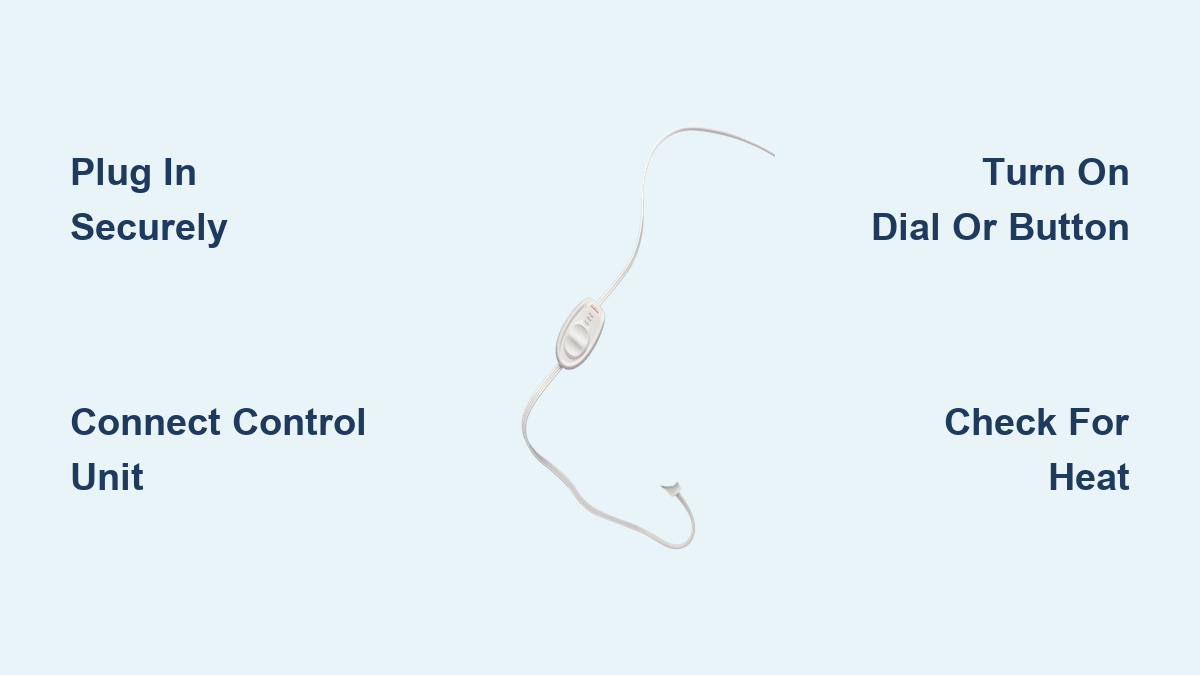
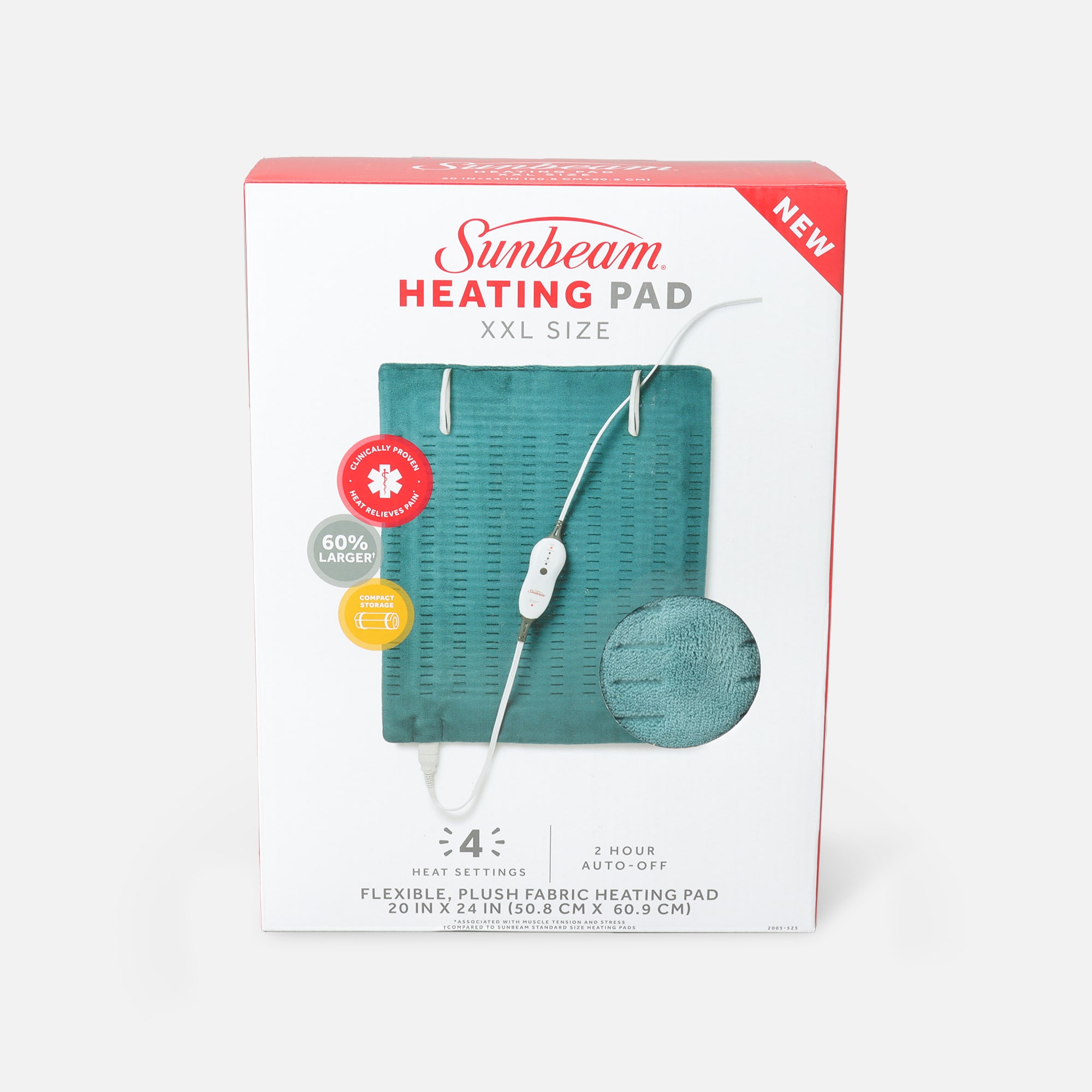
You’ve just unboxed your Sunbeam heating pad, settled in for a cozy evening, and now you’re staring at the control wondering where to begin. You’re not alone. Many first-time users feel unsure, especially if the instruction sheet went missing. The good news is that turning on a Sunbeam heating pad only takes a few simple steps once you know the sequence.
This guide covers everything you need to get started, from plugging in the pad to adjusting heat settings and fixing common issues. Whether you own a classic dial model or a modern digital version, you’ll learn how to power it up safely and confidently. Let’s get you warmed up.
Plug In the Heating Pad the Right Way
Power starts with a proper connection. Skipping this step is the most common reason a Sunbeam heating pad won’t turn on.
Connect the Control Unit First
Before plugging into the wall, attach the control unit to the pad’s connector cord. Line up the pins and push gently until you hear a soft click. A loose or misaligned connection will prevent the pad from powering on.
Once attached, plug the power cord directly into a standard wall outlet. Avoid extension cords, power strips, or surge protectors, as these can reduce performance or trigger safety issues.
Confirm the Outlet Works
Test the outlet with a phone charger or lamp. If the outlet has no power, try a different one. Sunbeam heating pads require a consistent 120V power source to operate correctly.
Turn On Dial and Digital Models

Sunbeam heating pads come in two main styles. Knowing which one you have makes the process much easier.
Dial Control Models
If your pad has a rotary knob on the side:
1. Turn the knob clockwise from the “Off” position.
2. Stop at your desired heat level, usually 1 through 6.
3. Watch for a small indicator light that glows red or amber when active.
The pad begins warming within 30 seconds. When finished, turn the knob back to “Off.”
Digital Control Models
For pads with a push-button controller:
1. Press the “Power” or “On/Off” button, often marked with a power symbol.
2. Use the “+” and “−” buttons to adjust heat intensity, typically 1 through 10.
3. Some models include preset modes such as “High,” “Low,” or “Therapy.”
The display screen lights up and may beep once to confirm activation. Most digital pads also show a countdown timer if the auto shut-off feature is enabled.
Choose a Safe Heat Setting
Selecting the right temperature protects your skin and extends the life of your pad.
Start Low and Adjust Slowly
Begin at the lowest setting for the first 5 to 10 minutes. This allows your body to adjust and prevents sudden discomfort. Gradually increase the heat until you reach a comfortable level.
Avoid using the highest setting for more than 15 minutes at a time. Prolonged high heat can damage the internal wiring and increase the risk of burns.
Use the Auto Shut-Off Timer
Most Sunbeam heating pads include a built-in timer that turns the unit off after 2, 3, or 10 hours. Press the “Timer” button to activate this feature. A clock icon or countdown number appears on the display.
This is especially helpful if you tend to fall asleep while using the pad.
Confirm the Pad Is Heating
After powering on, verify that the pad is actually warming up.
Feel for Heat Within 60 Seconds
Place your hand flat on the pad surface. You should feel warmth within 30 to 60 seconds. Full temperature usually takes 3 to 5 minutes depending on the model.
If no warmth appears after 5 minutes, unplug the pad and recheck all connections.
Watch for Visual Indicators
- Dial models: A steady glow from the indicator light.
- Digital models: A lit display screen with temperature numbers or mode icons.
No light or display means the unit is not receiving power.
Troubleshoot When the Pad Won’t Turn On

If your Sunbeam heating pad refuses to power up, work through these steps in order.
Test the Power Source
- Plug another device into the same outlet to confirm it works.
- Plug the heating pad directly into a wall outlet, not a power strip.
- Make sure both ends of the cord are fully inserted.
Inspect for Visible Damage
Check the entire cord for fraying, cracks, or bent prongs. Examine the control unit for burn marks or melted plastic. If you notice any damage, stop using the pad immediately and contact Sunbeam customer support.
Reset the Overheat Protection
Sunbeam pads include a safety fuse that trips when the unit overheats. To reset it:
1. Unplug the pad from the wall.
2. Let it cool for at least 30 minutes.
3. Plug it back in and try turning it on again.
If the pad still does not respond, the internal fuse may be permanently damaged, and the unit should be replaced.
Follow Key Safety Practices
Safe use keeps both you and your heating pad in good condition.
Avoid These Common Mistakes
- Do not fold or bunch the pad while it is on. This traps heat and damages internal wires.
- Never use a pad with a frayed cord or cracked controller.
- Avoid sleeping on the highest heat setting. Use the timer instead.
- Keep the pad dry. Do not use it on wet skin or with oil-based lotions.
Use the Pad Correctly
- Place the pad on top of you, not underneath your body weight.
- Keep the control unit beside you, not on the pad itself.
- Unplug the pad when you are done using it.
- Store the pad loosely rolled in a cool, dry place.
Keep Your Heating Pad in Good Shape
Routine care helps your pad last for years.
Clean the Surface Safely
Always unplug the pad and let it cool before cleaning. Wipe the surface with a damp cloth and a small amount of mild soap. Never submerge the pad in water or put it in a washing machine.
If your pad has a removable cover, check the care label. Most covers are hand-wash only.
Store It Without Damage
Roll the pad gently rather than folding it. Sharp creases break the internal heating wires over time. Keep the cord loosely coiled and store everything away from direct sunlight or heat sources.
Know When to Replace the Pad

Even with great care, heating pads eventually wear out.
Warning Signs to Watch For
- Uneven heating or cold spots across the surface
- Flickering indicator light or unresponsive buttons
- Burning smell during use
- Pad older than 5 years with frequent malfunctions
If you notice any of these issues and troubleshooting fails, it’s time for a replacement. Sunbeam heating pads typically last 3 to 5 years with regular use.
Frequently Asked Questions About Sunbeam Heating Pads
Why won’t my Sunbeam heating pad turn on?
The most common causes are a loose connection between the pad and control unit, a dead outlet, or a tripped safety fuse. Unplug everything, wait 30 minutes, and reconnect firmly.
How long does it take for a Sunbeam heating pad to warm up?
Most pads begin producing warmth within 30 to 60 seconds. Full heat usually develops within 3 to 5 minutes depending on the model and heat setting.
Can I leave my Sunbeam heating pad on all night?
It is not recommended. Use the auto shut-off timer if available, and avoid the highest setting. Falling asleep on high heat increases the risk of burns and shortens the pad’s lifespan.
Is it safe to use a Sunbeam heating pad every day?
Yes, daily use is safe when you follow the guidelines. Start at a low setting, avoid prolonged high heat, and inspect the cord regularly for wear.
What do I do if my heating pad smells like burning?
Unplug it immediately and stop using it. A burning smell often signals damaged wiring or a failing internal component. Contact Sunbeam support for a replacement.
Can I wash my Sunbeam heating pad?
No. Do not submerge the pad or put it in a washing machine. Wipe it with a damp cloth and mild soap instead. Removable covers may be hand-washed according to the label.
Key Takeaways for Turning On Your Sunbeam Heating Pad
Turning on your Sunbeam heating pad comes down to three simple steps: plug it in, connect the control unit securely, and select your heat level. Always start at the lowest setting and use the timer for added safety.
If the pad does not turn on, check the outlet, inspect the cords, and allow 30 minutes for the overheat protection to reset. With proper care and safe usage habits, your Sunbeam heating pad will provide reliable warmth and comfort for years. For ongoing issues, reach out to Sunbeam customer support or visit their Help Center for additional guidance.