How to Reset SoftHeat Heating Pad
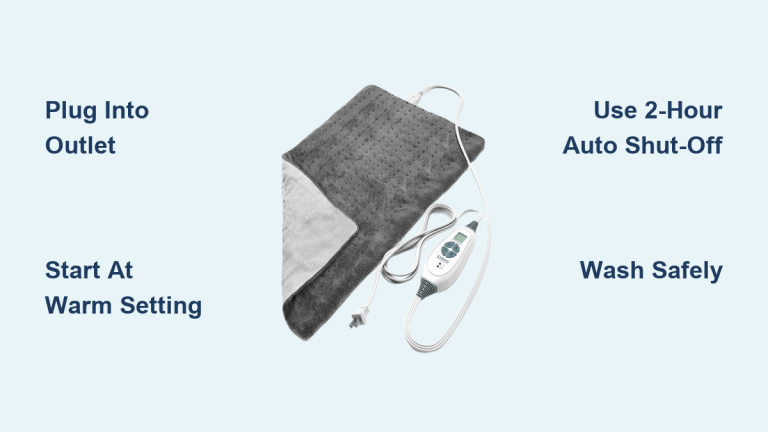
If your SoftHeat heating pad won’t heat up and the red light keeps flashing, you’re not alone. This is a common issue with the HP980 model, especially when the top red light blinks even after plugging into a car inverter. The problem usually points to a loose connection or an internal fault rather than a bad power source. A proper reset often clears the error and gets your pad working again. In this guide, you’ll learn how to reset your SoftHeat heating pad, fix connection problems, and spot warning signs of deeper damage.
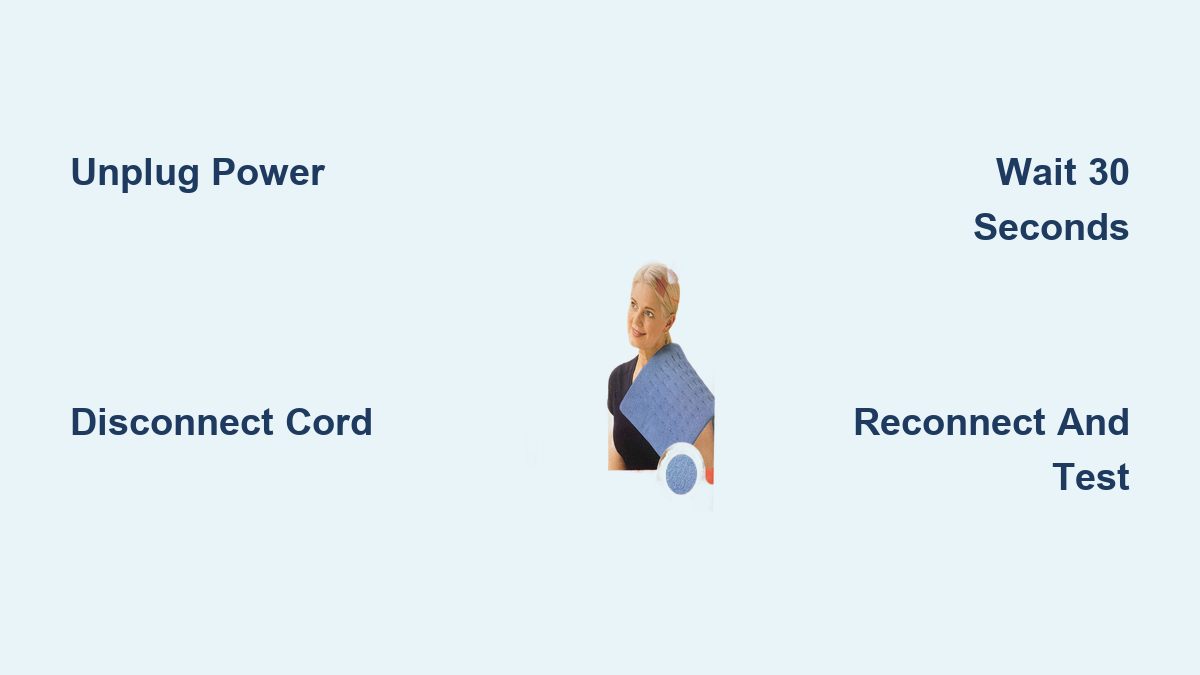
Reset the Heating Pad in 4 Simple Steps

Unplug From the Power Source
Always start by disconnecting the heating pad from the wall outlet or inverter. This protects you from electric shock and allows the internal circuitry to fully power down. Never attempt any reset or inspection while the unit is still plugged in.
Disconnect the Control Cord
Remove the control cord from the switch unit on the pad. This breaks the link between the heating element and the control system, which is essential for a full reset. Check both ends of the cord, including where it connects to the pad and where it plugs into the controller.
Wait 30 Seconds
Let the pad sit without power for at least 30 seconds. This short pause gives the internal safety mechanisms time to reset and clears any error signals that may be triggering the flashing red light.
Reconnect and Test
Firmly reattach the control cord to both the pad and the controller. Then plug the unit into a working outlet. Watch the indicator light closely:
- A steady red light usually means the pad is heating normally.
- A flashing red light after reset suggests a deeper issue.
If the pad warms up as expected, the reset was successful.
Fix Connection Issues That Trigger the Flashing Light

Secure the Control Cord Properly
A loose or improperly seated control cord is the most common cause of flashing lights on the SoftHeat HP980. Push the connectors in firmly until you feel slight resistance. Wiggling the plug while connected can cause intermittent signals that trigger safety modes.
Inspect the Cord for Physical Damage
Check the cord, plug, and connection points for any of the following:
- Fraying or exposed wires
- Burn marks or discoloration
- Bent or corroded pins
Even minor damage can disrupt communication between the pad and the control unit, causing the red light to flash repeatedly.
Avoid Extension Cords and Unstable Inverters
While the pad may work with a car inverter, not all inverters deliver stable 120V AC power. Voltage fluctuations can activate the pad’s built-in safety features. Test the unit on a standard wall outlet first to rule out power instability before assuming the pad is faulty.
Decode the Flashing Red Light on the HP980

What the Red Light Actually Means
On the SoftHeat HP980, a flashing red light is not a timer or power indicator. It signals a connection fault or internal error. The pad will not produce heat while this light is blinking.
Flashing Light Persists After Reset
If the red light continues flashing after a full reset, try these steps:
- Plug the pad into a different wall outlet
- Test with another control cord if you have one available
- Check for kinks or folds in the pad that could damage internal wiring
If the issue remains, the fault is likely internal and requires further action.
Check for Internal Damage Before Continued Use
Look for Hot Spots or Cold Zones
Folded, bent, or overheated pads can develop damaged heating elements. If parts of the pad feel unusually hot or stay completely cold, stop using it immediately. These are clear signs of internal wire failure.
Smell for Burning or Melting
A burnt odor or plastic smell means the insulation around internal wires may be compromised. This is a serious fire hazard. Discontinue use right away and replace the pad.
Avoid DIY Repairs at All Costs
Never cut open or attempt to repair the pad yourself. The internal wiring is sealed for safety reasons. Tampering voids the warranty and increases the risk of electric shock or fire.
Test Power Source Compatibility
Use a Pure Sine Wave Inverter in Vehicles
If you use the pad in a car, make sure your inverter delivers a pure sine wave with stable 120V output. Modified sine wave inverters can interfere with electronic controls in devices like the SoftHeat HP980, triggering error signals.
Verify the Outlet Is Working
Plug another device, such as a phone charger, into the same outlet to confirm it functions properly. A dead outlet can easily mimic a pad malfunction.
Avoid Power Strips and Surge Protectors
Direct wall outlet use is always best. Power strips or surge protectors with indicator lights can introduce voltage drops or electrical noise that affect pad performance.
Replace Faulty Components When Needed

Try a New Control Cord
SoftHeat control cords can wear out over time. If you have access to a known working replacement, test it on your pad. A bad controller is often the hidden culprit behind persistent flashing lights.
Contact Soft Heat Customer Support
If all troubleshooting fails, reach out to Soft Heat customer service. Provide your model number (HP980) and describe the steps you have already taken. They may offer a replacement or repair option under warranty.
Consider a Full Replacement
Heating pads have a limited lifespan. If your unit is several years old and showing consistent issues, replacement is the safest choice. Continued use of a faulty pad risks fire or personal injury.
Prevent Future Heating Pad Problems

Store the Pad Properly
Always roll or loosely fold the pad for storage. Never crease or crush it, as this damages the internal wires. Keep it in a dry, cool place away from sharp objects.
Plug In and Out With Care
Always grasp the plug, not the cord, when disconnecting. Yanking the cord can loosen internal connections over time and lead to future connection faults.
Clean Gently and Safely
Wipe the surface with a damp cloth and mild detergent. Never immerse the pad or control unit in water. Moisture damage can trigger safety faults and void your warranty.
Frequently Asked Questions About SoftHeat Heating Pads
Why is the red light flashing on my SoftHeat heating pad?
A flashing red light on the SoftHeat HP980 typically indicates a connection fault or internal error. It is a warning signal, not a power or timer indicator. The pad will not heat while this light blinks.
How do I reset my SoftHeat heating pad?
Unplug the pad from the power source, disconnect the control cord from the switch unit, wait 30 seconds, then reconnect the cord firmly and plug the pad back in. This clears most error signals.
Can I use my SoftHeat heating pad with a car inverter?
Yes, but only with a pure sine wave inverter that delivers stable 120V AC output. Modified sine wave inverters can cause voltage fluctuations that trigger the pad’s safety features and cause flashing lights.
What does it mean if my heating pad has hot spots or cold zones?
Hot spots or cold zones indicate damaged internal heating elements, often caused by folding or bending the pad. Stop using the pad immediately, as this poses a fire and safety hazard.
Is it safe to repair a heating pad myself?
No. Never attempt DIY repairs on a heating pad. The internal wiring is sealed for safety, and tampering increases the risk of electric shock, fire, and voided warranty coverage.
When should I replace my SoftHeat heating pad?
Replace your pad if it shows consistent issues after troubleshooting, emits a burning smell, has visible damage, or is several years old. Continued use of a faulty unit is unsafe.
Key Takeaways for Resetting Your SoftHeat Heating Pad
Resetting your SoftHeat heating pad is straightforward: unplug the unit, disconnect the control cord, wait 30 seconds, then reconnect and test. Most flashing red light issues stem from loose connections or unstable power sources rather than serious internal faults. Always inspect the cord for damage and avoid modified sine wave inverters when using the pad in a vehicle. If problems continue after a proper reset, discontinue use and contact Soft Heat customer support or replace the unit. Your safety is always worth more than saving a worn-out heating pad.