Fix Heating Pad Won’t Heat Up: Quick Steps
You plug in your heating pad, press the power button, and nothing happens. No warmth, just a flashing red light staring back at you. If your heating pad won’t heat up, you’re definitely not alone. This issue shows up constantly with Sunbeam Heat Flex models, including #788, #790, 805810 HeatSense, SW114, CAT93, and Walgreens-branded units. The most common symptom? A flashing red light on high setting with no heat at all. The cause is usually a faulty connection or manufacturing defect, and the good news is you can often fix it in minutes. In this guide, you’ll learn proven troubleshooting steps, simple DIY fixes, and exactly when to call customer support for a free replacement.
Flashing Red Light on Your Heating Pad? Start Here
A flashing red light on high heat usually means the unit detects a fault, often a poor electrical connection. This doesn’t always mean your pad is dead. Try these quick checks before assuming the worst.
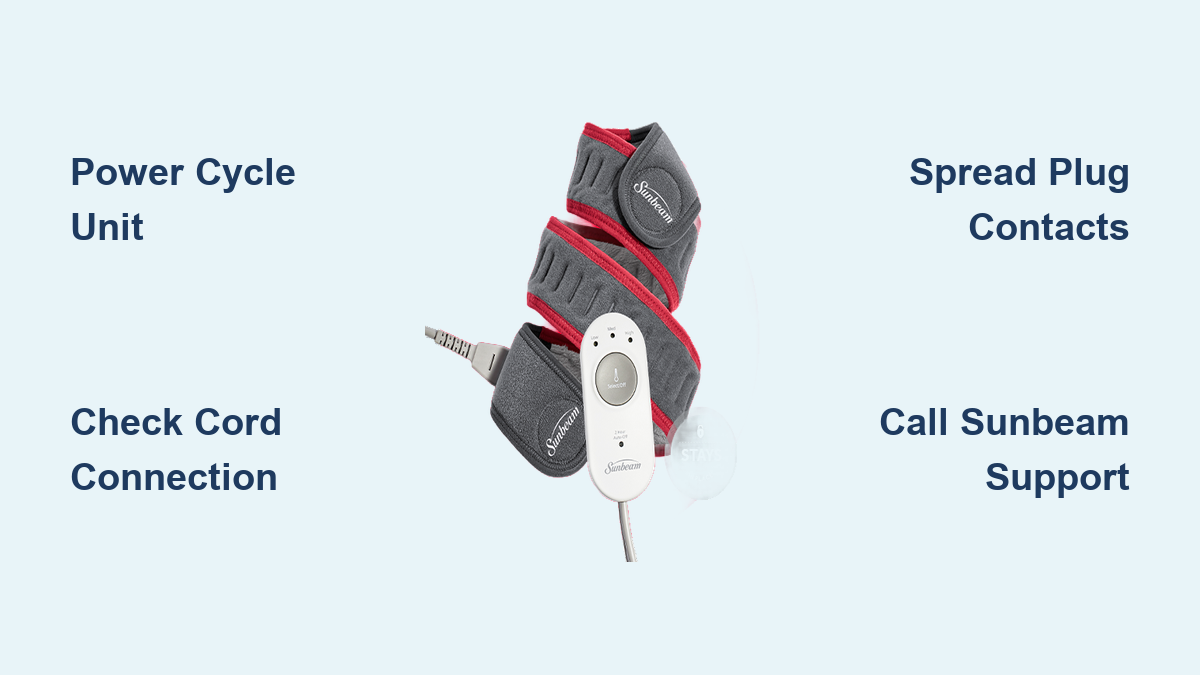
Power Cycle the Control Unit
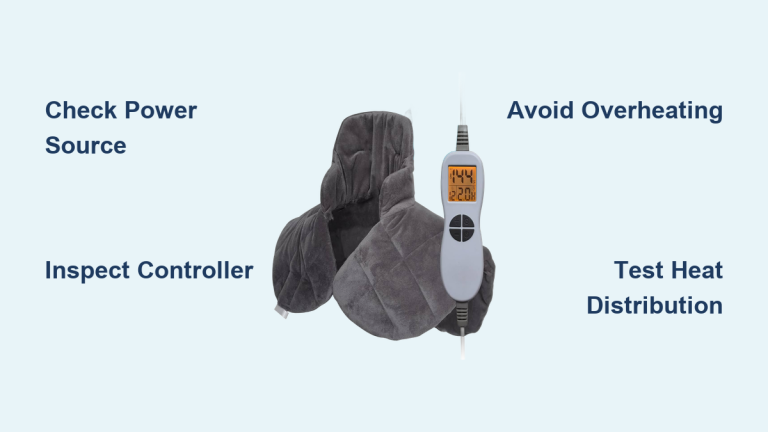
Unplug the pad, wait 10 seconds, then press and hold the power button. While still holding it, plug the unit back in and keep holding for 5–10 seconds.
- This resets the control unit and clears false error signals.
- Some users need to repeat this 2–3 times for it to stick.
- Success reported across multiple Sunbeam models.
Pro Tip: If the pad briefly heats then shuts off, a reset may stabilize the circuit.
Inspect the Cord Connection
The problem often hides where the power cord plugs into the pad.
- Unplug both ends (wall and pad).
- Check for bent pins, corrosion, or a loose fit.
- Reconnect firmly, ensuring full insertion.
- Wiggle the connector slightly while powered to test for intermittent heat.
A loose or dirty connection disrupts power flow, even if it looks seated properly.
Fix a Weak Connector in 3 Simple Steps
Many users confirm the root cause is a poor factory connection at the pad’s input jack. The metal contacts inside the female port can lose contact over time or from a weak initial fit.
Spread the Male Plug Contacts
Use a small jeweler’s screwdriver to gently widen the two metal prongs on the end of the power cord.
- Insert the screwdriver tip between the prongs.
- Twist slightly to increase separation by 0.5–1mm.
- Reconnect to the pad and test.
Caution: Do not bend excessively. Only apply light pressure to improve grip.
This creates a tighter connection and restores electrical contact. Multiple users report this fix lasting months or even permanently.
Clean the Connector Ports
Dust or oxidation can block conductivity.
- Dampen a cotton swab with isopropyl alcohol.
- Wipe the inside of the pad’s jack and the cord’s plug.
- Let dry completely before reconnecting.
Avoid using water or household cleaners on the contacts.
Test on Another Outlet
Rule out power supply issues before going deeper.
- Plug into a different wall outlet.
- Avoid extension cords or power strips.
- Test the outlet with another device to confirm it works.
Some users fixed “no heat” simply by switching outlets.
Why Your Heating Pad Fails to Heat
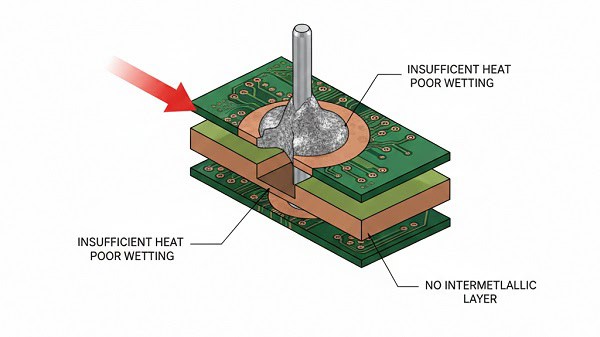
The core issue isn’t always the heating element itself. Most cases point to connector assembly defects, especially in Sunbeam models.
Faulty Factory Soldering
An electronics engineer diagnosed the problem as poor welding where the heating wire meets the power wire inside the pad.
- Vibration or flexing breaks weak solder joints.
- Results in intermittent or total loss of heat.
- Not visible without disassembling the pad.
This is a manufacturing defect, not something you did wrong.
Design Flaw in Connector Fit
Even without solder failure, the plug-and-jack design allows loosening over time.
- Plastic housings wear out with repeated use.
- Metal contacts lose spring tension.
- Leads to arcing, flickering lights, or no heat at all.
Some users report defective units right out of the box.
Contact Sunbeam for a Free Replacement
Before repairing or replacing on your own, call Sunbeam customer service. Many users get free replacements, even years after purchase.
Call 1-800-458-8407
Sunbeam’s support line handles heating pad issues directly.
- Have your model number ready (found on the tag or packaging).
- Describe symptoms clearly: “Flashing red light, no heat.”
- Mention it’s a known issue with the model.
What to Expect From Support
- Free replacement often offered without proof of purchase.
- Some reps require return of the defective unit (Sunbeam pays shipping).
- Warranty coverage reported up to 5 years on some models.
- International users note spotty support, while U.S. customers get the best results.
User Note: One customer (Feb 2022) received a new pad in 3 days after a single call. Others report multiple defective replacements, so inspect the new unit immediately.
When to Repair vs. Replace

You’ve tried resets and connector fixes. Now it’s time to decide: repair, replace, or switch brands entirely.
DIY Repair: Proceed with Caution
An expert user confirmed the fix involves re-soldering internal wires, but this comes with real risks.
- Voids your warranty.
- Risk of burns or electric shock.
- Cutting the pad open may release fiberglass or heating fibers.
Only attempt this if:
- You have soldering experience.
- The pad is out of warranty.
- You accept the safety risks involved.
Never modify the control unit or power cord unless you’re qualified to do so.
Replace With a Different Brand?
Some users keep getting defective Sunbeam pads. If you’ve had multiple failures, consider switching.
- Look for brands with overheat protection and strong connectors.
- Check Amazon or drugstore brands with high ratings.
- Prefer models with wired controls over detachable cords for better reliability.
Safety Risks of Faulty Heating Pads

A non-heating pad might seem harmless, but underlying issues can be genuinely dangerous.
Risk of Shock or Fire
One user reported feeling a shock from the control unit. Watch for these warning signs:
- Tingling sensation when touching controls.
- Burning smell or discoloration on the pad.
- Sparks or popping sounds during use.
Stop using immediately if you notice any of these red flags.
Faulty wiring can overheat, especially if the pad cycles on and off repeatedly.
Prevent Overheating Damage
Even if it heats sometimes, an unstable connection can:
- Damage internal circuitry over time.
- Cause localized hot spots on the pad.
- Trigger safety shutoffs that disable the unit entirely.
Final Fixes That Work
If your heating pad won’t heat up, follow this proven sequence:
- Power cycle the unit (unplug, hold button, replug).
- Reconnect and clean the cord-to-pad connector.
- Adjust plug contacts for a tighter fit.
- Test on a known-working outlet to rule out power issues.
- Call Sunbeam at 1-800-458-8407 for a free replacement if nothing else works.
Most users resolve the issue in under 10 minutes. The flashing red light is often just a false alarm from a loose connection, not a dead unit.
Prevent Future Heating Pad Failures
Avoid repeat problems with these simple habits:
Store Your Pad Properly
- Unplug and fold loosely, avoiding tight creases.
- Keep away from moisture and heat sources.
- Store the connector dry and dust-free.
Plug In Carefully Every Time
- Align the plug straight before inserting.
- Don’t yank the cord to unplug; pull by the connector.
- Check the fit monthly and adjust contacts early if it feels loose.
Test Monthly
Run the pad on low for 5 minutes every few weeks, even if unused. This keeps circuits active and catches early failure before it becomes a problem.
Frequently Asked Questions About Heating Pads Not Heating
Why is my heating pad flashing red but not heating?
A flashing red light on high usually signals a detected fault, most often a loose or dirty connection between the power cord and the pad. Try power cycling the unit and reseating the connector before assuming it’s broken.
How do I reset a Sunbeam heating pad?
Unplug the pad, press and hold the power button, then plug it back in while still holding the button for 5–10 seconds. This resets the control unit and can clear false error signals. Some users need to repeat this 2–3 times.
Can I fix a heating pad that won’t heat up?
Yes, in many cases. The most common DIY fix involves gently spreading the male plug contacts with a jeweler’s screwdriver to create a tighter connection. Cleaning the ports with isopropyl alcohol also helps. If these don’t work, contact Sunbeam for a free replacement.
Will Sunbeam replace my heating pad for free?
Many users report receiving free replacements after calling Sunbeam at 1-800-458-8407, even without proof of purchase. Some report warranty coverage up to 5 years. Be ready with your model number and a clear description of the issue.
Is it safe to keep using a heating pad that sometimes heats and sometimes doesn’t?
No. Intermittent heating signals an unstable connection that can cause shocks, overheating, or fire. Stop using the pad immediately if you notice flickering heat, tingling sensations, burning smells, or discoloration.
What causes heating pads to stop working?
The most common cause is a manufacturing defect at the connector between the pad and control unit. Poor factory soldering or weak metal contacts lead to power interruption. This issue appears across multiple Sunbeam models and often happens with new units.
Key Takeaways for Fixing a Heating Pad That Won’t Heat Up
A heating pad that won’t heat up is frustrating, but the fix is usually simple. Start with a power cycle and connector check, since most issues stem from a loose connection rather than a dead unit. If those steps fail, Sunbeam’s customer service often provides free replacements with just a phone call. And if you’ve experienced repeated failures, switching brands with stronger connectors and better quality control may save you headaches down the road. Try these steps today and get back to the soothing, reliable heat you need.