Fix Geniani Heating Pad Blinking
You turn on your Geniani heating pad, ready to ease muscle tension or soothe soreness, but instead of warming up, the indicator light starts blinking. Frustrating? Absolutely. You’re not alone—many users report the same issue, and while it’s not covered in official manuals, real-world fixes exist. The blinking light typically signals a power disruption, overheating, or internal safety trigger. This guide breaks down exactly why your Geniani heating pad is blinking and how to fix it fast. You’ll learn how to reset the device, check connections, avoid common mistakes, and when to replace it.
Why Blinking Happens
Geniani heating pads use smart safety systems. A blinking light isn’t a defect—it’s a warning. The pad automatically shuts down or blinks to prevent overheating, electrical surges, or component stress. Most models blink when they detect unstable power, misaligned connectors, or prolonged use beyond safe limits. Understanding the root cause helps you respond correctly and safely.
Common Trigger: Overheating Protection
If your pad blinks after a few minutes, it likely activated thermal cutoff. Geniani pads have built-in sensors that stop heating if internal temperature rises too fast. This often happens when:
- The pad is folded or bunched up
- It’s covered by thick blankets
- It’s used on high heat for over 30 minutes continuously
Fix: Turn off, unplug, and let it cool for 30 minutes. Lay it flat, uncovered, and restart on medium heat.
Power Supply Issues
A blinking light can mean inconsistent voltage. Geniani pads require stable 110V input. Using damaged cords, extension cords, or weak outlets causes flickering or blinking.
Visual cue: Light blinks rapidly when first plugged in
Solution:
- Plug directly into a wall outlet (no power strips)
- Test the outlet with another device
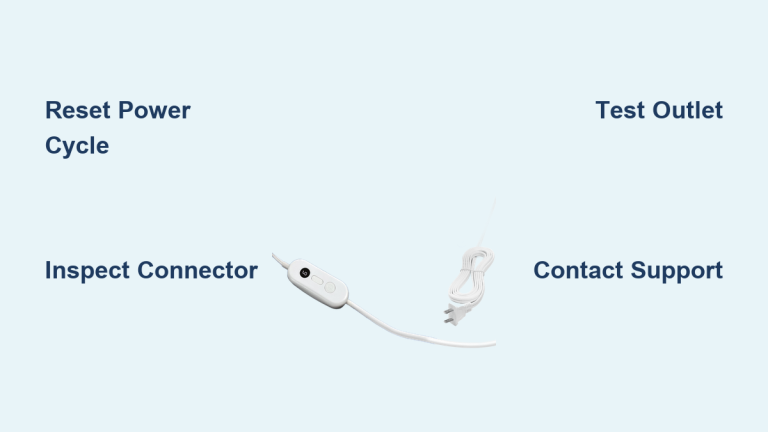
- Inspect the cord for kinks or fraying near the plug or control box
How to Reset Your Pad
Resetting clears temporary faults in the heating circuit. Most blinking issues resolve after a proper reset.
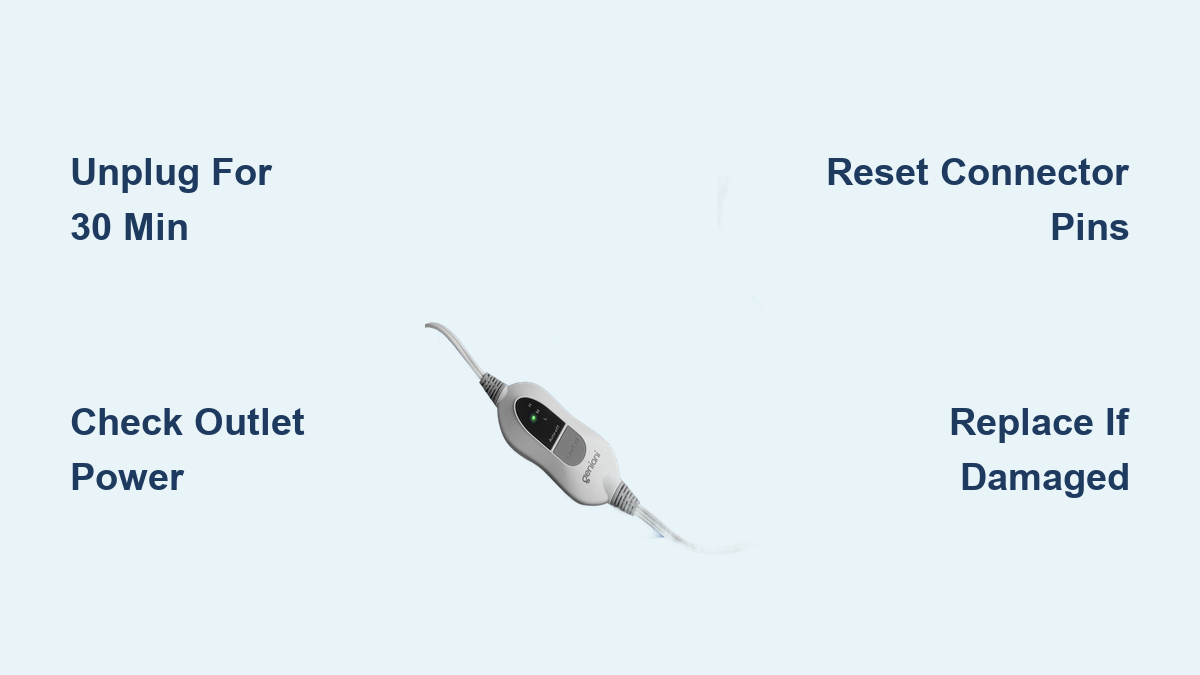
Unplug and Wait 30 Minutes
This is the most effective fix. Unplugging breaks the electrical loop and allows the internal thermostat and control board to reset.
Steps:
- Unplug from wall and pad
- Wait at least 30 minutes (critical for sensor cooldown)
- Plug back in and power on
Pro tip: Set a timer. Rushing this step leads to repeated blinking.
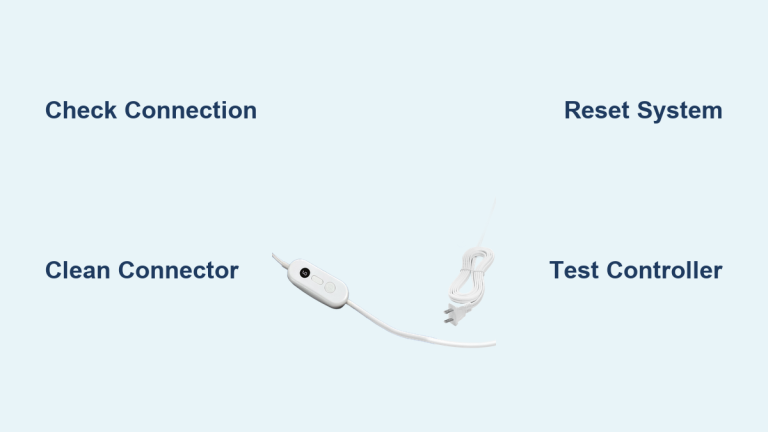
Check Connector Alignment
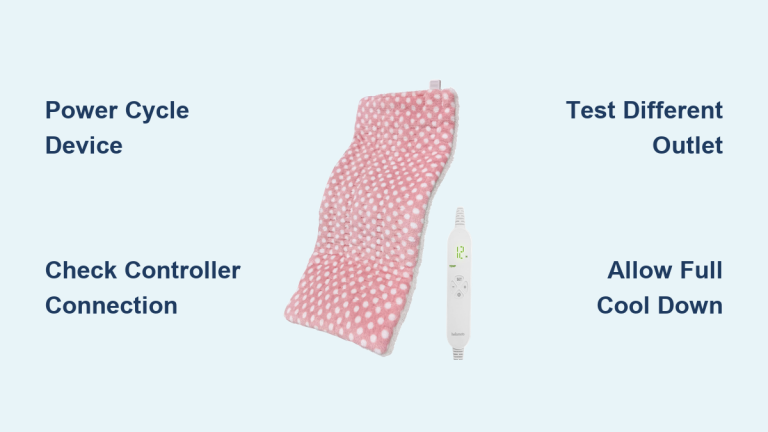
The control box connects to the pad via a magnetic or snap-on port. Misalignment interrupts power flow, triggering blink mode.
What to look for:
- Connector pins not fully seated
- Fabric blocking the port
- Bent or dirty metal contacts
Fix:
- Clean contacts with a dry cloth
- Align pins carefully—listen for a soft click
- Avoid forcing the connection
Blinking Light Patterns Decoded
Not all blinks mean the same thing. Pattern matters.
Steady Flash Every 2 Seconds
Indicates normal startup sequence. The pad is initializing—wait 10–15 seconds. If it doesn’t stabilize, proceed to reset steps.
Rapid Blinking (5+ flashes per second)
Signals power instability or internal fault.
Likely causes:
- Faulty wall outlet
- Damaged power adapter
- Internal wire disconnect
Action: Test with a different outlet. If blinking continues, the unit may need replacement.
Intermittent Blinking During Use
Happens when the pad cycles on/off rapidly. Often due to:
- Overheating (see above)
- Loose internal wiring
- Moisture exposure (never use on damp skin or wet surfaces)
Avoid These Mistakes
Even careful users make errors that trigger blinking.
Using Extension Cords
Geniani pads draw steady current. Extension cords, especially long or low-gauge ones, reduce voltage delivery, causing blink alerts.
Fix: Always plug directly into a wall outlet.
Folding or Sitting on the Pad
This compresses internal heating wires, creating hot spots and tripping safety sensors.
Rule: Use flat, never folded. Do not sit, lie, or place heavy objects on it.
Ignoring the Manual’s Duty Cycle
Geniani recommends 20–30 minutes per session. Exceeding this triggers auto-shutdown and blinking.
Tip: Use a timer. Let the pad rest 15–20 minutes between uses.
When to Replace the Pad
Some issues can’t be fixed.
Persistent Blinking After Reset
If the light continues blinking after cooling, resetting, and testing outlets, internal circuitry is likely damaged. Continued use risks fire or electric shock.
Visible Damage
Replace immediately if you see:
- Burn marks on fabric
- Swollen control box
- Exposed wires
- Smell of melting plastic
Over 3 Years Old
Heating elements degrade over time. Pads older than three years lose efficiency and increase failure risk, especially with daily use.
Prevent Future Blinking
Keep your pad reliable with simple habits.
Clean Contacts Monthly
Dust and oils build up on connectors. Wipe with a dry microfiber cloth monthly to ensure solid connection.
Store Flat or Loosely Rolled
Never fold tightly. Store in a cool, dry place away from moisture and pets.
Use a Surge Protector
Plug into a surge-protected outlet to avoid voltage spikes that stress internal electronics.
Frequently Asked Questions About Geniani Heating Pad Blinking
Why is my Geniani heating pad light blinking but not heating?
The blinking light indicates a safety trigger, usually from overheating or a power issue. The pad stops heating to protect internal components. Unplug it for 30 minutes, lay it flat, and try a different wall outlet.
How long does it take to reset a Geniani heating pad?
A full reset requires at least 30 minutes of being unplugged. This allows the thermal sensors to cool completely and the control board to discharge any residual power.
Can I use my Geniani heating pad with an extension cord?
No. Extension cords can cause voltage drops that trigger the blinking safety mode. Always plug your Geniani heating pad directly into a wall outlet.
Is a blinking Geniani heating pad dangerous?
It can be if ignored. Persistent blinking often signals overheating or internal damage. Stop using the pad immediately if blinking continues after a proper reset, especially if you notice burning smells or visible damage.
How long should a Geniani heating pad last?
With proper care, a Geniani heating pad typically lasts 2–3 years. Daily use, frequent folding, and exposure to moisture can shorten its lifespan significantly.
Key Takeaways for Fixing Your Geniani Heating Pad
A blinking Geniani heating pad is almost always fixable. Start with a 30-minute unplug reset, check your outlet, and inspect the connector pins. Most blinking issues stem from overheating or power instability, both of which you can resolve at home. If the light keeps blinking after these steps, or you see physical damage, replace the pad right away.
For long-term reliability, follow the 20–30 minute usage limit, store the pad flat, and clean the connectors monthly. Your safety matters more than saving a worn-out device. When in doubt, upgrade to a new pad and enjoy consistent, worry-free heat therapy.