How to Fix Maxkare Heating Pad Not Working
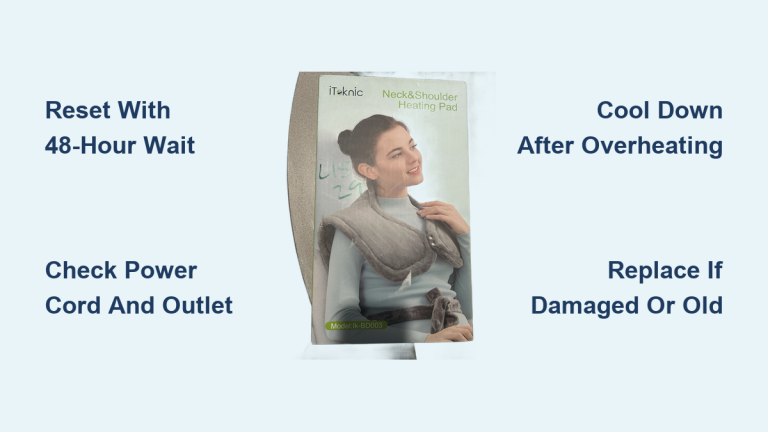
You plug in your Maxkare heating pad, press the power button, and nothing happens. No warmth, no indicator light, no response at all. It is frustrating, especially when you are dealing with muscle pain or cramps and rely on consistent heat therapy. If your Maxkare heating pad is not working, you are not alone. Many users face similar issues ranging from complete power failure to uneven heating or auto-shutoff malfunctions. The good news is that most problems have simple DIY solutions that do not require technical expertise or costly replacements.
This guide walks you through step-by-step troubleshooting methods to diagnose and fix your non-responsive Maxkare heating pad. Whether it will not turn on, stops heating after a few minutes, or displays inconsistent performance, you will learn how to identify the root cause and restore function safely and efficiently.
Check the Power Source First
Before assuming the pad is faulty, confirm the issue is not with the outlet or power supply.
Test the Electrical Outlet
Plug another device, such as a lamp or phone charger, into the same outlet to verify it is working. If the test device does not power on, the problem may be a tripped circuit breaker or dead outlet. Try a different wall socket, preferably one directly mounted on the wall rather than a power strip or extension cord, which can interrupt current flow.
Inspect the Power Adapter and Cord
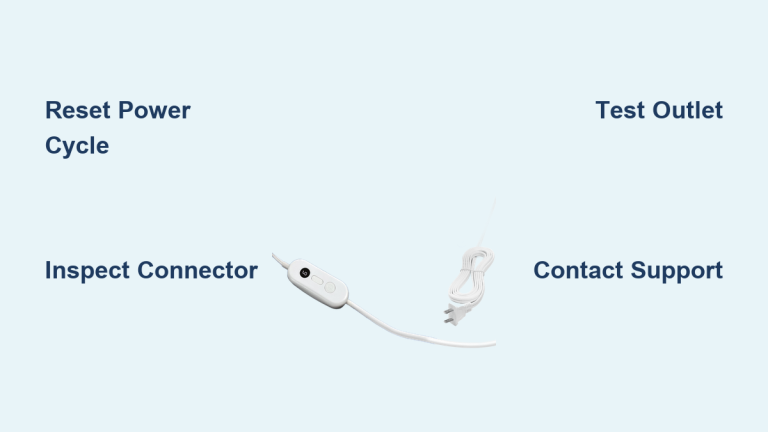
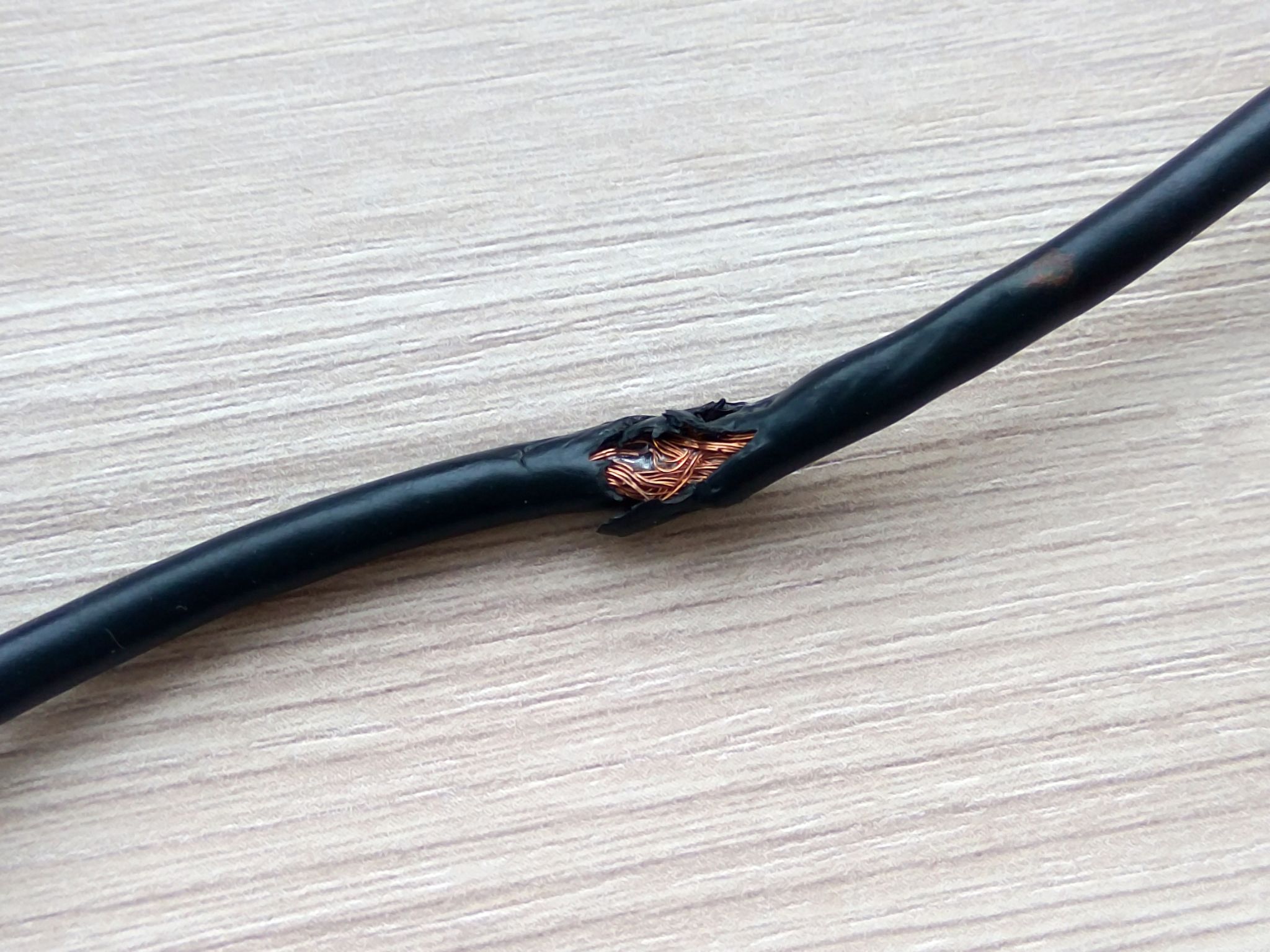
Examine the entire length of the power cord for visible damage, including fraying, kinks, or chew marks. Focus on the areas near the plug and where the cord connects to the controller and pad. A broken wire inside can prevent power delivery even if the cord looks intact.
- Look for: Discoloration, swelling, or soft spots
- Feel for: Warmth or hot spots when in use, which indicate an electrical fault
- Ensure: The adapter is fully inserted into both the wall and the pad input port
If the adapter feels excessively hot or emits a burning smell, stop using it immediately and replace it.
Examine the Control Unit

The controller is the brain of your Maxkare heating pad. Most issues stem from incorrect settings or safety lockouts.
Confirm Proper Button Operation
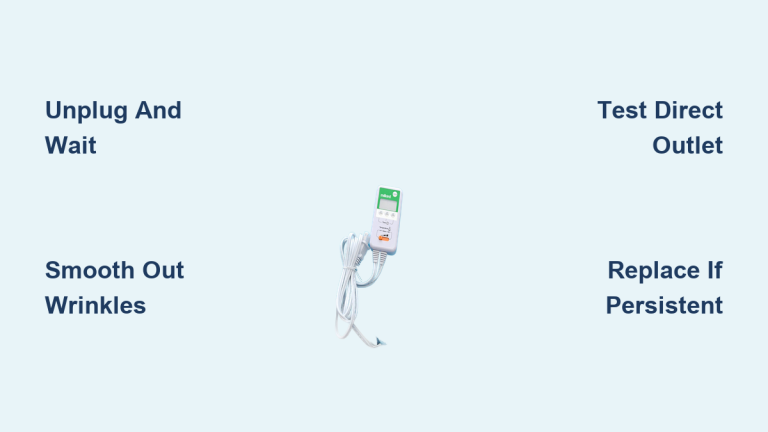
Press the power button firmly. Some models require a 2 to 3 second press to activate. Listen for a beep or watch for an LED light. If present, it should illuminate when powered.
- No light: The unit is not receiving power
- Flashing light: May indicate a system error or triggered overheating protection
If the pad turns on but shuts off immediately, it could be in safety lock mode or detecting a fault.
Reset the Heating Pad
Many Maxkare models have a reset function to clear temporary glitches.
- Unplug the pad from the wall.
- Wait 5 to 10 minutes to discharge residual power.
- Reconnect and attempt to power on again.
This simple reset often resolves software-like freezes or sensor misreads.
Look for Overheat Protection Trigger
Maxkare heating pads include auto-shutoff and overheat protection for safety.
Understand Auto-Off Behavior
Most models automatically turn off after 60 to 90 minutes of continuous use. This is normal and prevents overheating. If the pad heats briefly then shuts down, it is likely the timer, not a defect.
To reactivate:
– Press the power button again to restart the cycle
– Do not fold or bunch the pad during use, as this traps heat and triggers early shutoff
Avoid Heat Build-Up During Use
Never place heavy blankets or objects on top of the pad while operating. Also, avoid using it on high settings for extended periods without breaks. These actions can cause the internal thermostat to trip, cutting power to prevent damage.
Inspect for Physical Damage

Internal damage can stop heating even if the control unit appears functional.
Check for Bulges or Burn Marks
Lay the pad flat and examine both sides. Look for:
– Swollen or puffy areas
– Discoloration such as brown or black spots
– Burnt smell when powered
These signs indicate internal wire damage or heating element failure. Do not use the pad if any of these are present. Replace the unit immediately.
Feel for Cold Spots
Turn the pad on high for 5 to 10 minutes. Run your hand across the surface. If some areas heat while others stay cold, the internal heating wires are likely broken or disconnected. This type of damage is not repairable at home, so replacement is the safest option.
Verify Correct Usage
User error is a common reason for perceived malfunctions.
Avoid Folding or Bending
Never fold, roll tightly, or crease the pad during use or storage. This stresses internal wiring and can break connections. Always store it flat or loosely rolled.
Do Not Use with Extension Cords
Maxkare pads are designed to plug directly into a wall outlet. Using an extension cord or power strip may reduce voltage and prevent proper operation.
Use Only as Directed
Do not lie or sit directly on the pad with full body weight. This compresses the heating elements and can lead to premature failure.
Try a Different Controller (If Available)

Some Maxkare models allow controller replacement or have interchangeable parts.
Swap Test with a Known-Good Unit
If you have access to another Maxkare controller from a working pad of the same model, try connecting it to your pad. If the pad works with the new controller, the original one is faulty.
Replacement controllers can be ordered from Maxkare support or authorized retailers. Do not use third-party controllers unless explicitly approved.
Contact Maxkare Support
If all troubleshooting steps fail, contact the manufacturer.
Register Your Warranty
Maxkare heating pads typically come with a 1 to 2 year limited warranty. If your unit is within this period and shows defects such as no heat or broken seams, you may qualify for a free replacement.
Have ready:
– Proof of purchase
– Model and serial number, usually on the label
– Description of the issue
Visit Maxkare official support channels for warranty claims or email customer service directly.
When to Replace the Pad
Replace your Maxkare heating pad if:
– It emits smoke, burning smells, or sparks
– There are visible tears or exposed wires
– The pad heats unevenly or not at all after troubleshooting
– It is over 2 to 3 years old and performance has declined
Continuing to use a damaged pad poses fire and burn risks.
Prevent Future Issues
Keep your heating pad reliable with simple maintenance habits.
Clean Safely
Unplug and cool completely before cleaning. Wipe the surface with a damp cloth and mild soap. Never immerse in water or use harsh chemicals.
Store Properly
Keep in a dry, cool place. Store flat or loosely rolled and never folded. Avoid placing heavy items on top.
Limit Daily Use
Use in cycles: 20 to 30 minutes on, then off for at least 10 to 15 minutes. This extends the life of the heating elements and prevents overheating.
Frequently Asked Questions About Maxkare Heating Pads
Why is my Maxkare heating pad not turning on at all?
The most common causes are a faulty outlet, damaged power cord, or a tripped safety lock. Test the outlet with another device, inspect the cord for damage, and try resetting the pad by unplugging it for 5 to 10 minutes.
How long does a Maxkare heating pad stay on?
Most Maxkare heating pads have an auto-shutoff feature that turns the unit off after 60 to 90 minutes of continuous use. This is a built-in safety function, not a defect.
Can I use my Maxkare heating pad with an extension cord?
It is not recommended. Maxkare pads are designed to plug directly into a wall outlet. Extension cords or power strips can reduce voltage and cause the pad to malfunction or overheat.
What should I do if my heating pad has cold spots?
Cold spots indicate broken or disconnected internal heating wires. This damage cannot be repaired at home. Stop using the pad and contact Maxkare support for a warranty replacement if eligible.
How do I clean my Maxkare heating pad?
Unplug the pad and let it cool completely. Wipe the surface with a damp cloth and mild soap. Never submerge the pad in water or use harsh cleaning chemicals.
Is it safe to sleep with my Maxkare heating pad on?
No. Sleeping with a heating pad on increases the risk of burns and overheating. Use the pad for 20 to 30 minute sessions and turn it off before sleeping.
Key Takeaways for Fixing Your Maxkare Heating Pad

A Maxkare heating pad not working does not always mean it is beyond repair. Start with power and connection checks, reset the unit, and inspect for physical damage. Most issues stem from simple causes like outlet problems, incorrect use, or auto-shutoff features. If the pad shows signs of internal failure or safety hazards, replace it promptly.
Your next step is to work through the troubleshooting sections in order, starting with the power source. If the pad still does not function after these checks, reach out to Maxkare customer support with your proof of purchase and model details. With proper care and correct usage, your heating pad can provide safe and effective relief for years.