Fix RoHS Heating Pad Blinking Issue
If your RoHS heating pad is blinking, you’re not alone. This common issue usually signals a built-in safety response. Most modern heating pads, especially RoHS-compliant models (Restriction of Hazardous Substances), include automatic shut-off systems that trigger a blinking light when a fault is detected. The flash typically means thermal overload, a sensor malfunction, or a connection issue. Ignoring it can lead to reduced performance or safety risks.
With the right steps, you can diagnose and often resolve the problem in under 30 minutes. This guide walks you through proven troubleshooting methods, safety checks, and when it’s time to replace your unit.
Decode the Blinking Light

Understanding what the blinking means is the first step to fixing it. Unlike older models, RoHS heating pads use intelligent control systems to monitor temperature and electrical flow.
What the Flashing Indicates
- Thermal cutoff activation: the pad overheated and shut down automatically.
- Fault detection: internal sensors found irregular resistance or a broken circuit.
- Power fluctuation: voltage spikes or unstable current from the outlet.
- Loose connection: between the controller, cord, and pad.
Most units blink as a warning, not a final failure. But repeated blinking after resets suggests a deeper issue.
Common Blink Patterns and Their Meanings
- Single blink, pause, repeat: normal startup or minor overheat.
- Rapid blinking (3+ flashes per second): serious fault. Stop use immediately.
- Intermittent blinking after heating: sensor or partial circuit failure.
- No heat with constant blink: power delivery or control board issue.
Refer to your model’s manual if available, but many generic RoHS pads share similar logic.
Immediate Reset Steps
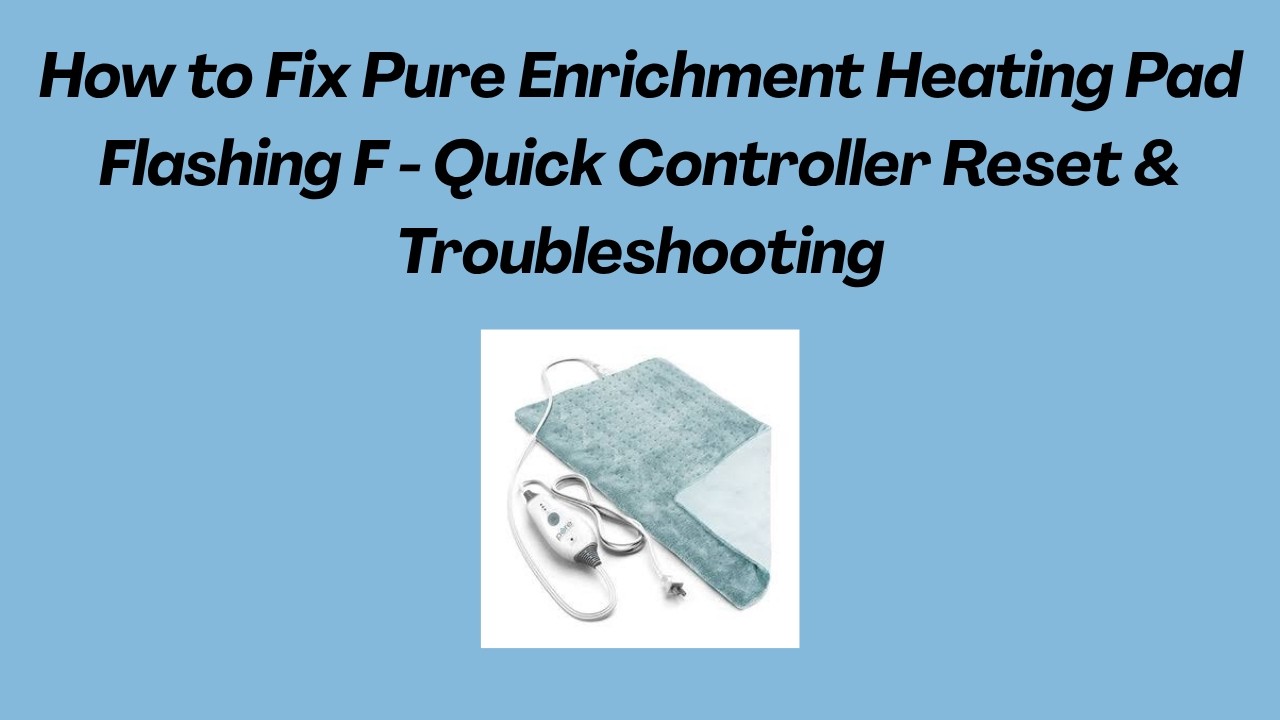
Before diving into inspections, perform a full system reset. This clears temporary faults and resets the thermal sensor.
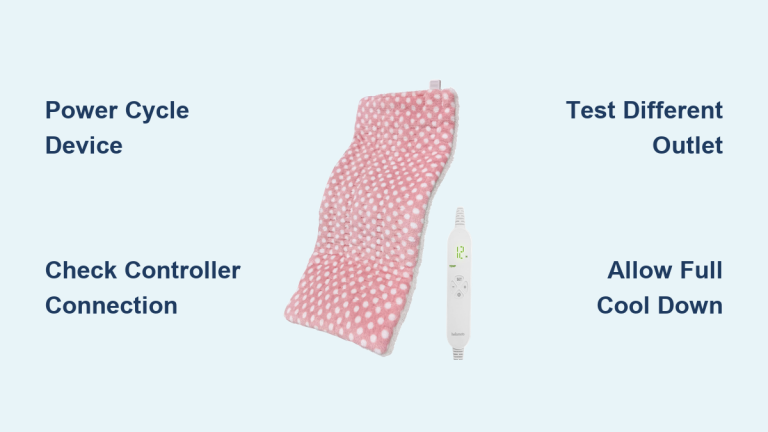
Turn Off and Unplug Completely
- Remove the plug from the wall outlet.
- Disconnect the controller from the pad if it’s detachable.
- Wait at least 15 to 30 minutes to allow internal components to cool and reset.
Never bypass the wait time. This step is critical for the safety circuit to disengage.
Reconnect in the Right Order
- Reattach the controller to the heating pad firmly.
- Plug into a wall outlet only (no power strips or extension cords).
- Power on and set to Low heat for the first test.
If the light stops blinking and heats normally, the issue was likely temporary overheating.
Inspect for Physical Issues
Even small physical problems can cause persistent blinking. Perform a full visual and tactile check.
Smooth Out Wrinkles and Folds
- Lay the pad completely flat on a clean surface.
- Remove any creases, bunching, or folds. These create hot spots that trigger safety cutoffs.
- Avoid placing heavy objects on the pad when in use.
Check for Visible Damage
Look closely for:
- Burn marks or discoloration on the surface
- Frayed wires near the connector or edges
- Moisture stains or dampness (never use a wet pad)
- Swollen or warped controller
If any damage is present, stop using the pad immediately.
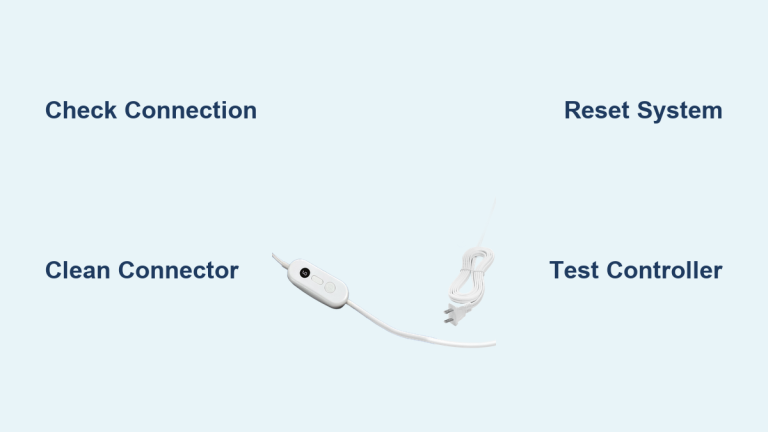
Test the Cord and Connection Points
- Wiggle the cord near the controller and pad entry point.
- If blinking starts during movement, you likely have a loose internal wire.
- Ensure the plug fits snugly with no wobbling in the outlet or controller port.
Optimize the Power Supply

Many blinking issues stem from poor power delivery, not the pad itself.
Use a Direct Wall Outlet
- Avoid extension cords and power strips. They reduce voltage and cause instability.
- Plug directly into a grounded wall socket.
- Test with a different outlet to rule out circuit issues.
Check Voltage Compatibility
- Confirm your pad matches your region’s voltage (110V to 120V for North America).
- Using a 220V pad on 110V can cause erratic behavior, including blinking.
Use a multimeter if available to verify outlet output, which should read approximately 110 to 120V AC.
Adjust Heat Settings and Usage
Sometimes the problem isn’t the pad. It’s how you’re using it.
Start on the Lowest Setting
- After resetting, always begin on Low.
- Gradually increase to Medium after 5 to 10 minutes if no blinking occurs.
- Avoid the Max setting immediately. This often triggers thermal protection.
Avoid Covering or Insulating Too Much
- Don’t place thick blankets or comforters on top while heating.
- Excessive insulation traps heat and causes false overheat signals.
- Use the pad as a bottom layer or lightly covered only.
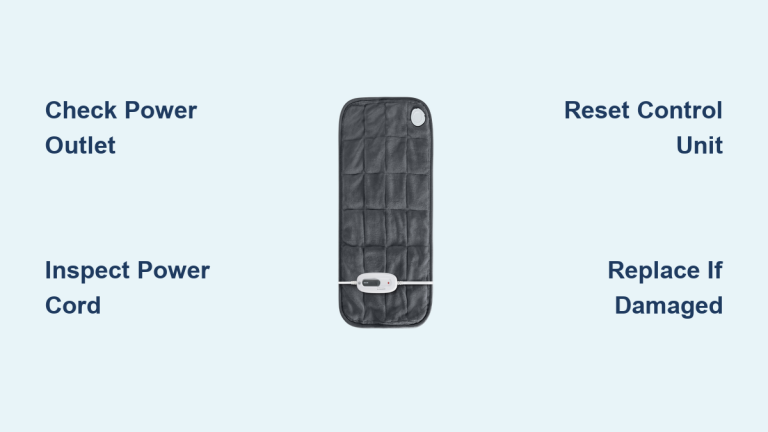
Reset the Control Unit
Some RoHS pads have a soft reset function built into the controller.
Perform a Manual Reset
- Unplug for 30 minutes.
- Press and hold the power button for 10 seconds before plugging back in.
- This clears error codes in digital models.
Try a Factory Reset on Advanced Models
- If your pad has a digital display, look for a reset pinhole.
- Use a paperclip to press and hold for 5 seconds.
- Refer to the manual if available, since reset steps vary by brand.
Test With a Different Controller

Many RoHS heating pads use universal or interchangeable controllers.
Swap to Confirm the Fault
- Try a known-working controller from a compatible model.
- If the blinking stops, your original controller is faulty.
- If blinking continues, the issue is in the pad’s internal wiring.
Only swap controllers with the same voltage and wattage rating.
When to Replace the Heating Pad
Not all issues can be fixed. Continuing to use a faulty pad risks fire or electric shock.
Replace If:
- Blinking persists after all troubleshooting.
- The pad is over 5 years old (typical lifespan).
- You notice burn smells, smoke, or swelling.
- The pad heats unevenly or has cold spots.
- It has been washed improperly (most aren’t machine-safe).
Even if it seems to work occasionally, recurring blinking means the safety system is compromised.
Safety Tips for Long-Term Use
Prevent future issues and extend your pad’s life with smart habits.
Never Fold or Crease During Use
- Always lay flat. Folding traps heat and damages internal wires.
- Store loosely rolled or flat when not in use.
Avoid Sleeping on High Heat
- Use only Low or Medium for overnight use.
- Consider models with auto-shutoff (1 to 3 hours) for added safety.
Keep Away From Pets and Sharp Objects
- Claws or teeth can pierce wires and create shorts.
- Place a thin sheet over the pad to protect it.
Don’t Wash Unless Fully Submersible
- Most RoHS pads are spot-clean only.
- Never immerse the controller or cord.
- Check the label: “machine washable” means only the cover, not the heating unit.
Upgrade to a Safer, Smarter Model

If your pad keeps blinking, it may be time for an upgrade.
Look for These Features:
- Auto-shutoff (2 to 3 hours)
- Overheat protection with reset
- EMF-reduced technology
- Machine-washable cover (detachable)
- Dual controls for couples
Modern pads from reputable brands offer better reliability and clearer diagnostics.
Frequently Asked Questions About RoHS Heating Pad Blinking
Why is my RoHS heating pad blinking and not heating?
A blinking light with no heat usually means the safety system detected a fault. This could be thermal overload, a broken sensor, or a power delivery issue. Unplug the pad for 15 to 30 minutes, then test on the lowest setting.
Can I keep using my heating pad if the light keeps blinking?
No. A blinking light is a warning that something is wrong. Continued use can lead to overheating, fire, or electric shock. Stop using the pad until you identify and fix the cause.
How long should I wait before plugging my heating pad back in?
Wait at least 15 to 30 minutes after unplugging. This allows internal components to cool and the thermal sensor to reset fully. Skipping this step can cause the blinking to return immediately.
Is a blinking heating pad dangerous?
It can be. The blinking indicates the safety system has activated, which means a fault exists. While the pad is designed to prevent danger, ignoring the warning increases your risk of fire or electrical hazards.
Will resetting my heating pad fix the blinking issue?
Often, yes. A full reset (unplugging, waiting, and reconnecting properly) resolves temporary faults caused by overheating or minor power fluctuations. If blinking returns, the problem is likely physical or electrical and may require replacement.
When should I replace my heating pad instead of repairing it?
Replace your pad if it’s over 5 years old, shows visible damage, or continues blinking after all troubleshooting steps. Internal heating elements and wiring are not safe to repair yourself.
Key Takeaways for Resolving RoHS Heating Pad Blinking
A blinking RoHS heating pad is a warning, not a minor glitch. In most cases, resetting the unit and correcting your usage habits fix the issue. Start by unplugging for 15 to 30 minutes, smoothing out the pad, and testing on the lowest heat setting. If blinking persists, inspect for physical damage, test a different outlet, and try a compatible controller.
Your safety comes first. Replace aging or faulty units promptly, and always follow manufacturer guidelines. With proper care and attention to warning signs, your next heating pad can deliver reliable warmth for years without a single flash.