How to Fix Sunbeam Heating Pad Not Working
You settle in for a relaxing evening, plug in your Sunbeam heating pad, and realize nothing happens. No warmth. No indicator light. Just cold fabric where comfort should be. You are not alone in this frustration. Sunbeam heating pad not working complaints are common, but before assuming the worst, understand this: Sunbeam pads are designed to feel warm, not hot, to the touch. They gently maintain your body’s natural heat rather than blast intense warmth like older models. That said, if your pad isn’t warming at all, won’t turn on, or only heats on one side, it may need troubleshooting. This guide walks you through proven reset steps, connection checks, and failure signs so you can fix it fast or know when to replace it.
Perform a Full System Reset
.jpg)
When your Sunbeam heating pad doesn’t heat, the first step is a complete system reset. This clears digital errors in the controller and often restores function without any tools or repairs.
Unplug and Wait 30 Seconds
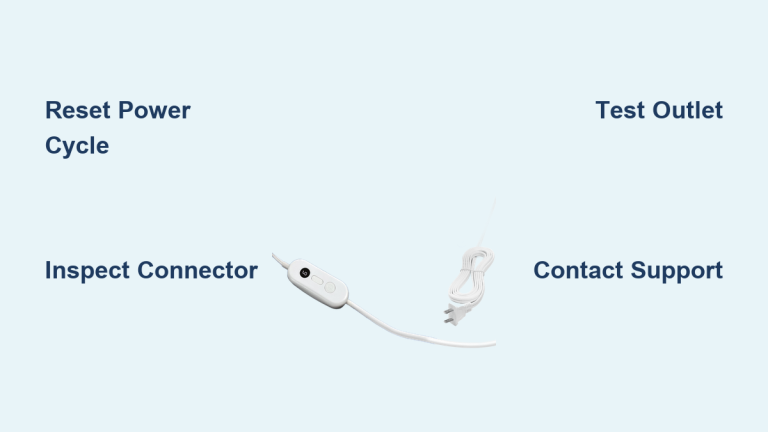
Start by unplugging the power cord from the wall outlet. This cuts all power to the control unit and heating module. Leave it unplugged for at least 30 seconds so the internal circuitry can fully discharge and reset. Skipping this step can result in an incomplete reboot that won’t actually clear the error.
Check Controller-to-Pad Connection
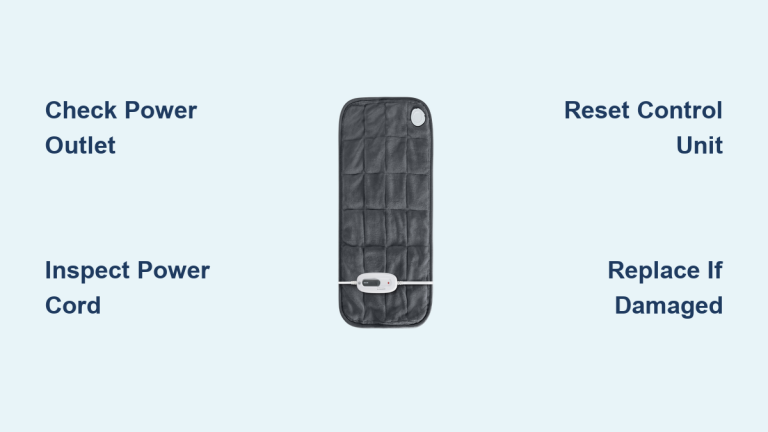
Before plugging back in, inspect the connection between the controller and the pad. The controller plugs into a socket embedded in the pad, usually near the edge. Make sure it’s fully seated. A loose or partially disconnected plug is one of the most common causes of no-heat issues. Gently push it in until it clicks or feels secure.
Plug Directly Into Wall Outlet
After reconnecting the controller, plug the power cord directly into a wall outlet. Do not use an extension cord, power strip, or surge protector during troubleshooting. These can reduce voltage or trigger safety cutoffs, preventing the pad from heating. Use a working outlet and test it with another device if you suspect a power issue.
Watch for Reset Signals on Display
Once plugged in, observe the controller. A successful reset shows flashing symbols or lights, followed by the display clearing. This confirms the internal logic board has rebooted. If the screen remains blank or stuck on a symbol, the controller may be faulty.
Test on Highest Setting
After the reset, turn the controller to the highest heat setting and wait 10 to 15 minutes. Remember: the pad may not feel hot when laid flat because it’s designed to warm you, not the air. Lie on it or press your hand firmly against it to feel the heat. If still no warmth, proceed to deeper diagnostics.
Verify Power and Outlet Function
Even after a reset, power delivery issues can block heating. Rule these out before assuming the pad itself is dead.
Test the Outlet With Another Device
Plug a lamp, phone charger, or other appliance into the same outlet. If it doesn’t work, the outlet may be dead or controlled by a wall switch. Try a different room or circuit. Faulty outlets are a frequent but overlooked cause of heating pad failures.
Avoid Extension Cords Completely
Sunbeam explicitly warns against using extension cords or power adapters. These can drop voltage below operational levels, trigger safety protocols, or overheat. Always plug directly into a wall outlet during use and troubleshooting.
Inspect Power Cord for Damage
Run your fingers along the entire length of the power cord. Look for:
– Kinks or sharp bends
– Frayed or exposed wires
– Burn marks or discoloration
Any visible damage means the pad should not be used. It poses a fire hazard and requires replacement.
Diagnose Dual-Control Pad Issues
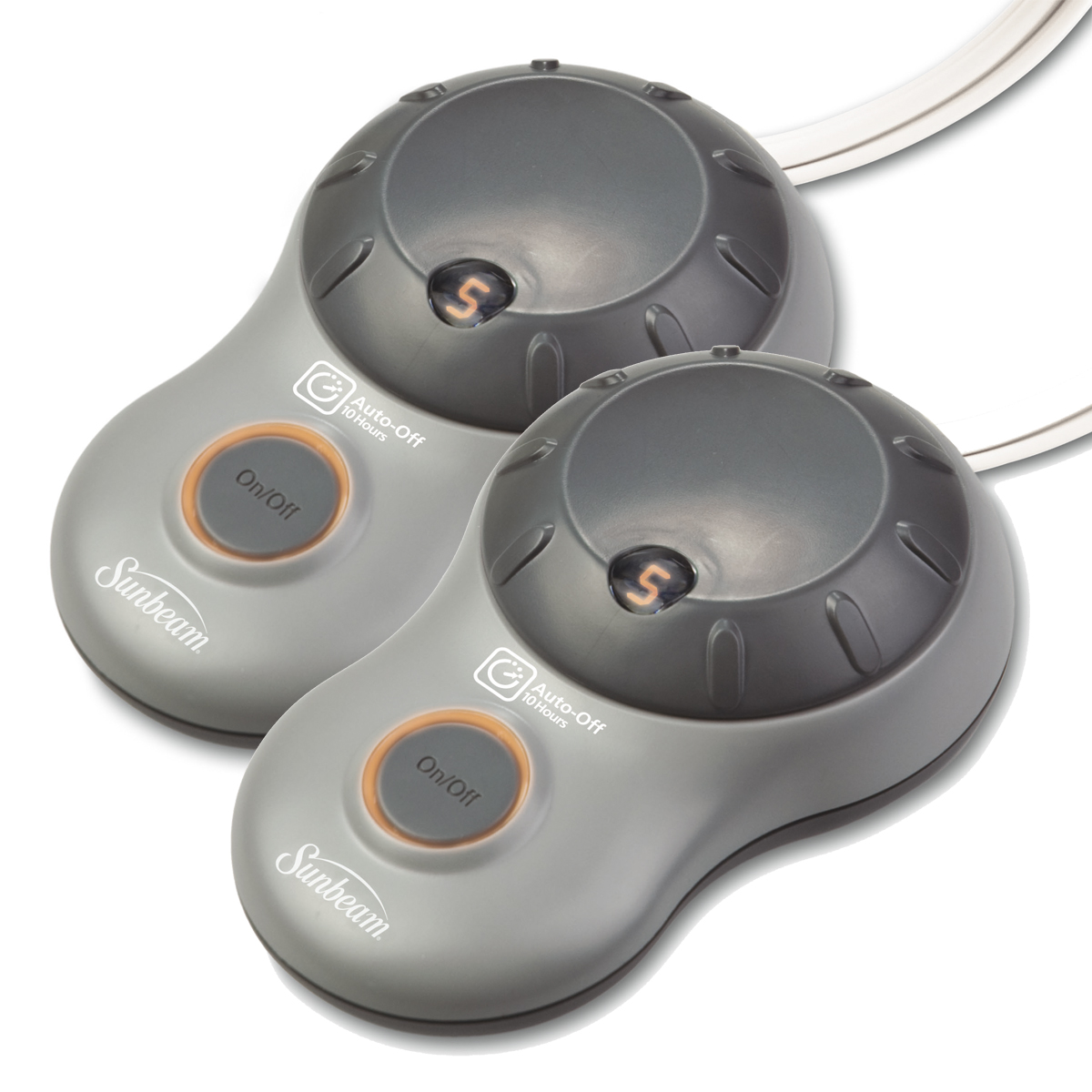
If you own a dual-control heating pad or blanket and only one side heats, the problem is likely isolated to one zone.
Confirm Controller-to-Side Mapping
Dual-control units have two separate controllers, each linked to a specific side. The controller with a label on the bottom controls the side of the pad that also has a matching label. Make sure you’re testing the correct controller for the cold side before assuming the element is broken.
Run 20-Minute High-Heat Test
Set the non-working side’s controller to the highest setting and leave it for 20 minutes. This mimics the break-in procedure and can jump-start dormant circuits. Do not use extension cords. If the side still doesn’t warm, the heating element or wiring in that zone may be damaged.
Check for Partial Heating Patterns
Sometimes, only part of a zone heats, such as the top half but not the bottom. This indicates a broken heating wire or internal short. These cannot be repaired at home. Discontinue use immediately and contact Sunbeam.
Recognize True Failure Signs

Not all issues can be fixed. Know when your Sunbeam heating pad is beyond repair and needs professional service.
No Heat After Reset and Reconnection
If you have performed the full reset, verified the outlet, and checked all connections, and the pad still produces no warmth, it has likely failed internally. Contact Sunbeam customer service for repair or replacement options.
Controller Shows No Lights or Symbols
A completely blank or frozen display after plugging in suggests a failed control module. If the reset sequence doesn’t trigger flashing lights, the electronics are likely damaged and need replacement.
Loose or Damaged Connector Ports
If the controller won’t seat firmly into the pad or wobbles loosely, the socket may be bent or broken. This prevents electrical contact and can’t be safely repaired at home.
Pad Heats Intermittently or Shuts Off Early
Cycling on and off is normal, but if the pad:
– Heats for 30 seconds then dies
– Only works when bent or folded
– Triggers a burning smell
it has an internal short or damaged wiring. Stop using it immediately.
Follow First-Time Use Protocol
If the pad is new or hasn’t been used in months, it may need a break-in cycle before functioning normally.
Run Initial 20-Minute High-Heat Cycle
For optimal performance, Sunbeam recommends running the pad on the highest setting for 20 minutes before adjusting to a comfortable level. This stabilizes the heating elements and ensures consistent warmth. Skipping this step may lead to weak or delayed heating on first use.
Adjust Gradually After Warm-Up
After the initial cycle, reduce the setting slowly until you reach your preferred warmth. The pad will cycle on and off automatically to maintain that temperature. This is normal behavior, not a malfunction.
Avoid Common User Mistakes
Many “broken” pads are simply misused. Avoid these pitfalls to keep your pad working properly.
Don’t Expect Scorching Hot Surfaces
Sunbeam pads are not designed to feel hot when laid flat. They warm up to body temperature and use thermal retention to keep you comfortable. Press your hand firmly against the fabric to feel the heat rather than relying on a quick touch.
Never Fold or Compress While On
Folding, bunching, or sitting on the pad while powered can:
– Overheat internal wires
– Trigger safety shutoffs
– Cause permanent damage
Always use it flat and uncovered.
Don’t Use With Damaged Controllers
A cracked, wet, or malfunctioning controller is unsafe. If buttons stick, settings don’t change, or the screen flickers abnormally, stop use and contact support.
When to Contact Sunbeam Support
If troubleshooting fails, it’s time to reach out for professional help.
Gather Model and Serial Number
Before contacting customer service, locate the product label on the pad or controller. Have the model number, serial number, and purchase date ready. This speeds up warranty verification.
Visit Official Support Portal
Go to the Sunbeam website and navigate to the “Pain Relief and Wellness” support section. Download your product’s manual or submit a service request. Sunbeam offers repair, replacement, or recall checks based on model and issue.
Check for Recalls or Safety Notices
Though rare, Sunbeam issues recalls for heating products. Visit the Consumer Product Safety Commission (CPSC) website and search “Sunbeam heating pad” to ensure your model isn’t affected by any active safety notices.
Frequently Asked Questions About Sunbeam Heating Pad Problems
Why does my Sunbeam heating pad not feel hot when turned on?
Sunbeam pads are designed to maintain body warmth, not generate intense surface heat. When laid flat, the fabric may feel only mildly warm. To check if it’s working, lie on the pad or press your hand firmly against it for several seconds. If you feel gentle warmth, the pad is operating normally.
How long should I unplug my heating pad to reset it?
Unplug the power cord from the wall outlet and wait at least 30 seconds before plugging it back in. This allows the internal circuitry to fully discharge. After reconnecting, look for flashing symbols on the display to confirm a successful reset.
Can I use an extension cord with my Sunbeam heating pad?
No. Sunbeam explicitly prohibits using extension cords or power adapters with their heating pads. These accessories can cause voltage drops, trigger safety shutoffs, or overheat. Always plug the pad directly into a standard wall outlet.
Why is only one side of my dual-control heating pad working?
In dual-control units, each controller operates a specific side. Check the label on the bottom of each controller and match it to the corresponding side of the pad. Run the non-working side on the highest setting for 20 minutes. If it still doesn’t heat, the element in that zone is likely damaged.
When should I replace my Sunbeam heating pad instead of repairing it?
Replace your pad immediately if you notice frayed wires, burn marks, a burning smell, or if the controller won’t seat properly. Also replace any pad that fails to heat after a full reset or shows partial heating patterns, as these signal internal electrical faults that can’t be safely repaired at home.
How do I find my Sunbeam heating pad’s model number?
Check the product label on the pad itself or on the controller. The model number, serial number, and sometimes the manufacture date are printed there. Having this information ready speeds up warranty claims and support requests.
Final Thoughts on Fixing a Sunbeam Heating Pad
Most Sunbeam heating pad problems come down to three things: a needed reset, a loose connection, or unrealistic heat expectations. Start by unplugging for 30 seconds, checking the controller connection, and plugging directly into a wall outlet. Remember that these pads are meant to feel warm, not scorching, when laid flat.
If your pad still won’t heat after following every step, it’s likely defective. Discontinue use and contact Sunbeam customer service with your model and serial number ready. With proper care, including storing flat, unplugging after use, and avoiding folds while powered, most units last for years. When they do fail, safety should always come first.