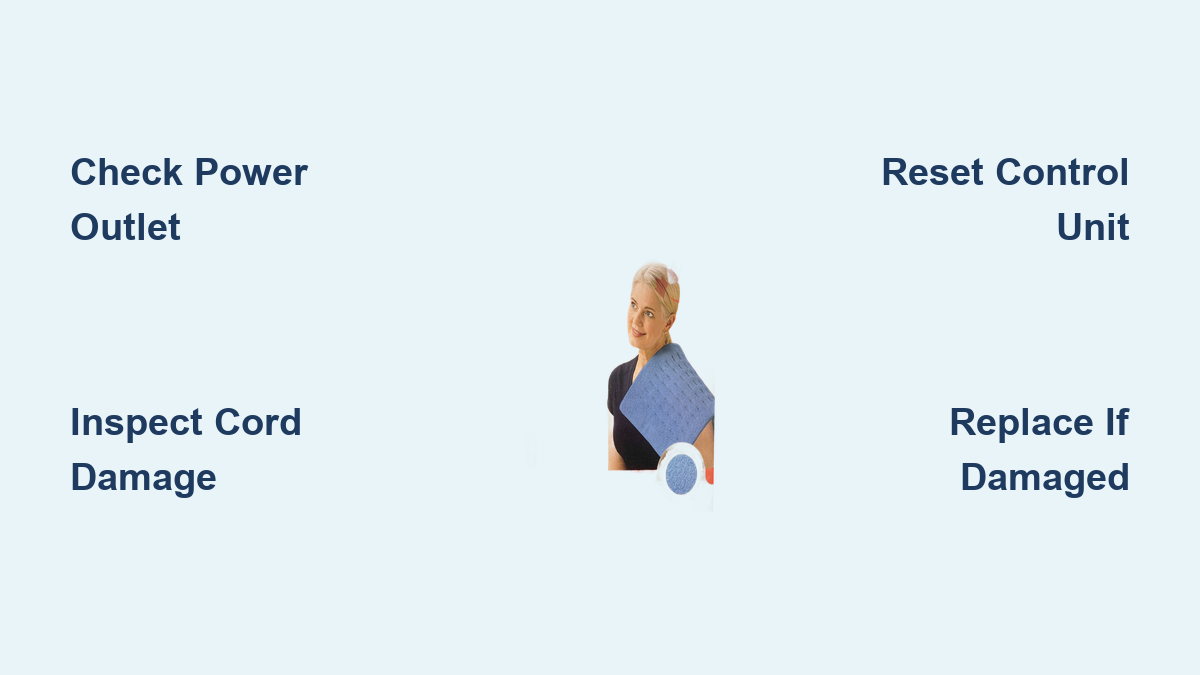
Fix SootheHeat Heating Pad Not Working
If your Softheat heating pad not working properly—no heat, sudden shutdowns, or unresponsive controls—you’re not alone. Many users face these issues, especially after months or years of regular use. The good news: most problems have simple fixes. Before replacing your pad, troubleshoot step by step. This guide covers every possible cause, from power issues to worn-out components, and shows you how to diagnose and resolve them quickly. You’ll learn how to check connections, reset settings, and determine when repair or replacement is necessary—all without technical expertise.
Check the Power Source First

No heat often starts with a power problem. Your heating pad relies on consistent electricity, so verify the basics before diving deeper.
Test the Outlet and Cord
Plug another device—like a lamp or phone charger—into the same outlet to confirm it’s working. If the device doesn’t power on, the issue is the outlet, not the pad. Next, inspect the entire power cord for frays, kinks, or burns. Damaged wires interrupt power flow and can create safety hazards. If the cord is compromised, stop using it immediately.
Ensure Secure Plug Connections
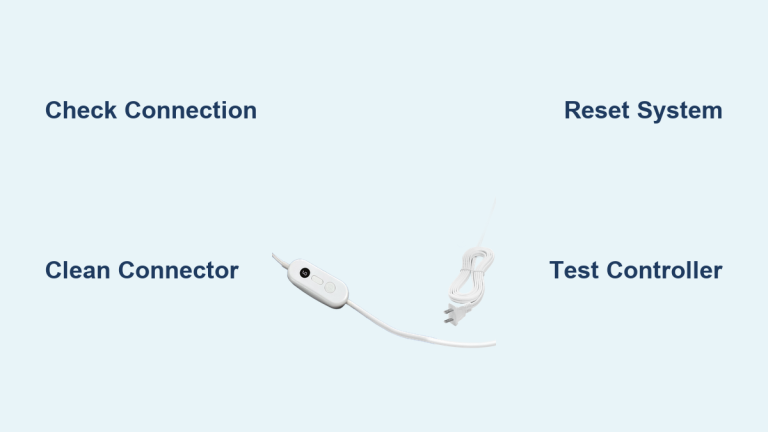
Unplug the cord from both the wall and the heating pad. Reconnect both ends firmly. A loose connection at either end prevents the pad from receiving power. Some models use detachable cords—make sure the connector clicks into place. Wiggle the plug gently; if heat flickers, the connection is faulty.
Verify Temperature and Timer Settings

Even with power, incorrect settings can make it seem like your heating pad isn’t working—especially if it’s on low heat or set to auto-shutoff.
Confirm Heat Level Is Active
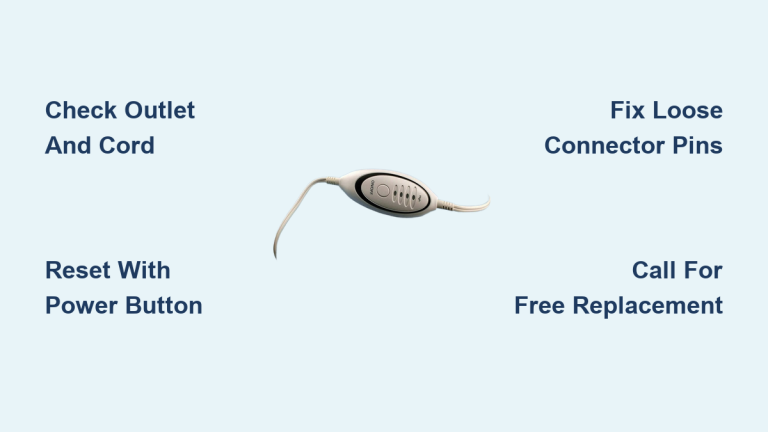
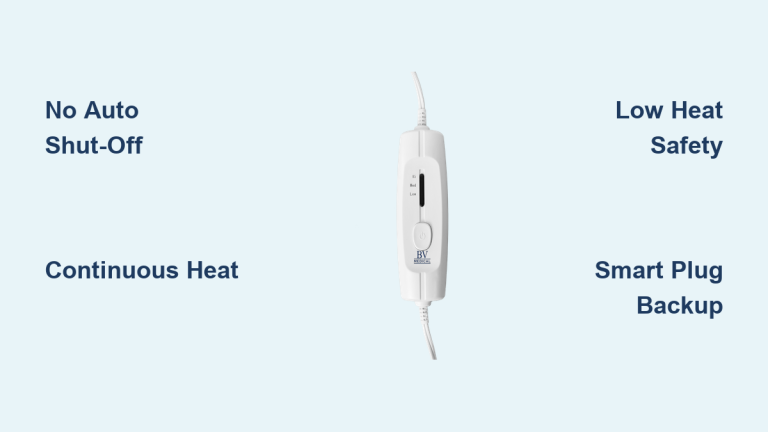
Double-check that you have selected the appropriate temperature setting. Some heating pads have multiple heat settings, so make sure you have chosen the one that suits your comfort level. Press the power button and cycle through the temperature options. Watch for indicator lights. If no light appears, the issue may be electrical. If a light turns on but the pad stays cold, wait 2–3 minutes—some models heat gradually.
Disable or Adjust Timer Function
Many heating pads come with a built-in timer function that automatically shuts off the pad after a certain period of time. If your heating pad is turning off unexpectedly, check the timer settings to ensure they are not interfering with your desired usage. Adjust the timer if necessary. To extend use, reset the timer after each cycle. If it shuts off instantly, the control unit may be faulty.
Inspect for Physical Damage
Visible damage often explains why a heating pad fails. Internal wires and heating elements are fragile—especially with folding, sitting, or washing.
Look for Bulges, Stains, or Tears
Run your hands over the entire surface. Feel for lumps, thin spots, or damp areas. Bulges suggest internal wire separation. Stains or moisture mean liquid exposure—never use a wet heating pad. Tears or punctures require immediate discontinuation. Any of these signs mean the unit is unsafe and should be replaced.
Avoid Folding or Crushing During Use
Heating pads contain thin heating wires. Folding or placing heavy objects on them can break internal circuits. Always lay the pad flat during operation. Never sit directly on it or tuck it under tight bedding. These habits cause premature failure.
Test the Control Unit
If your model is portable or has electronic controls, control unit issues are common causes of failure.
Reset the Control Module
Some pads lock up due to software glitches. To reset:
1. Unplug the pad from power
2. Wait 3–5 minutes
3. Reconnect and restart
This clears temporary faults in the control board. If the pad still doesn’t respond, the control unit may be defective.
Check Batteries if Applicable
If you’re using a battery-operated heating pad, check the batteries to ensure they are not dead or low on power. Replace with fresh batteries and test again. Corroded battery contacts can also prevent proper function—clean them gently if needed.
Evaluate Heating Element Failure
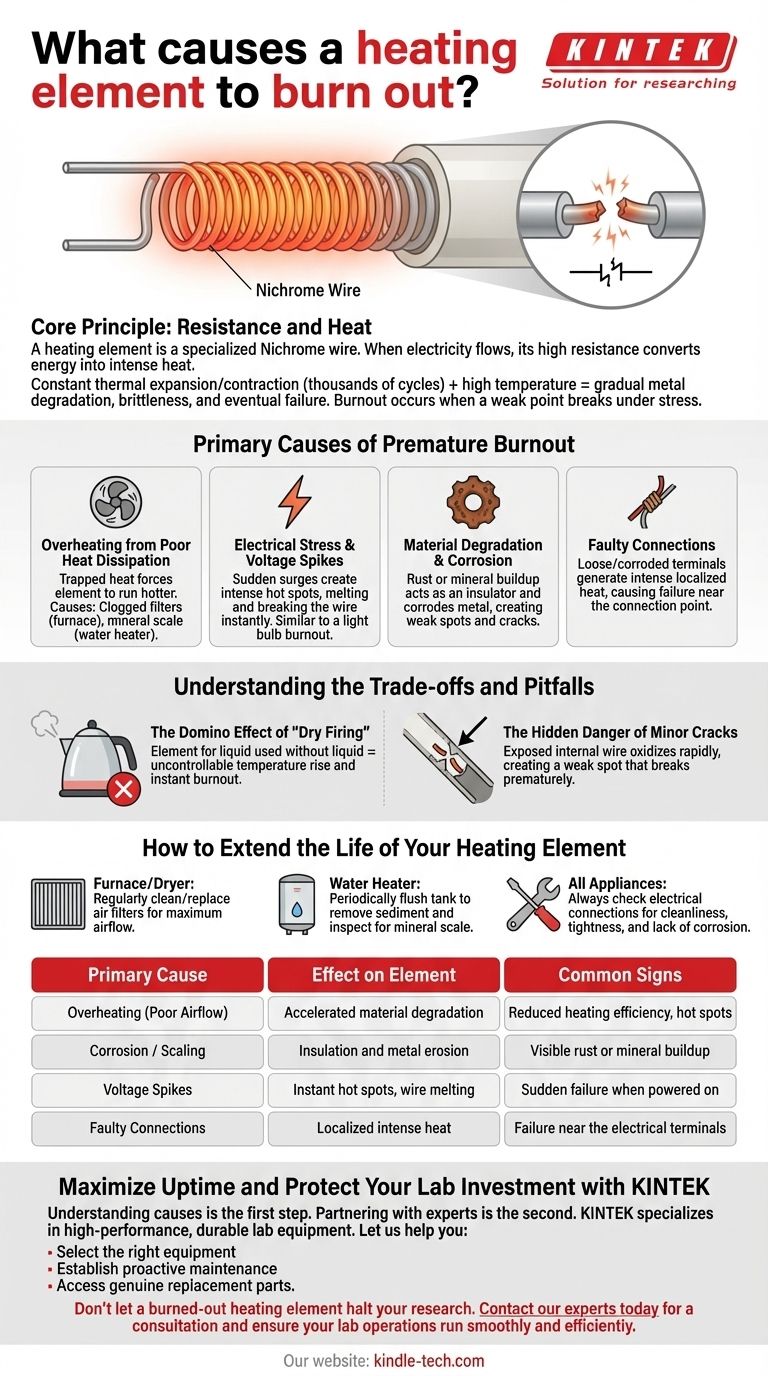
When power, settings, and connections check out—but still no heat—the heating element itself may be dead.
Understand How Heating Elements Degrade
If your heating pad is not generating any heat at all, there may be an issue with the heating element. Over time, the heating element can wear out or become damaged, resulting in a decrease in heat production. Repeated heating and cooling cause metal fatigue. After 2–5 years of regular use, the wire can break or disconnect.
Signs of Element Burnout
- Pad powers on but stays cold
- Only part of the pad heats up (partial failure)
- Burning smell during use (immediate shutdown required)
If you notice any of these, discontinue use. In this case, it may be necessary to replace the heating pad.
Consider Age and Lifespan
Like any electronic device, heating pads have a lifespan. Knowing when yours has reached its limit helps avoid frustration.
Average Lifespan of Heating Pads
If your heating pad is several years old, it may simply be reaching the end of its usable life. Over time, the internal components can wear out, resulting in decreased performance. Most pads last 3–5 years with moderate use. Daily use shortens lifespan. If your pad is older than 5 years, declining performance is expected.
When to Replace vs. Repair
- Replace if:
- Pad is over 5 years old
- Visible damage or burns
- No heat after all troubleshooting
-
Heating element has failed
-
Repair only if:
- Under warranty
- Minor issue like a faulty cord (if manufacturer offers service)
Consider replacing your heating pad if it is old and no longer providing the desired level of heat. Most pads are not user-repairable. Attempting internal fixes voids warranties and risks injury.
Prevent Future Malfunctions
Extend your next heating pad’s life with simple habits. Prevention beats troubleshooting every time.
Follow Safe Usage Guidelines
- Never fold or crease the pad
- Avoid moisture—don’t use while sweating or with lotions
- Use on low heat when possible to reduce strain
- Store flat or loosely rolled—never tightly folded
Clean Without Damage
Unplug and let the pad cool completely. Wipe with a damp cloth and mild soap. Never immerse in water or machine wash unless specified in the manual. Moisture destroys internal circuits.
Contact Support or Replace
When troubleshooting fails, it’s time for expert help—or a new pad.
Reach Out to Customer Service
If you are unsure about why your heating pad is not working or if you suspect a more serious issue, it’s always best to consult the instruction manual or contact the company you bought it from for assistance. They will be able to provide you with specific troubleshooting steps or recommend the best course of action. If your pad is under warranty, provide the model number and purchase date. They may offer replacement parts, repair instructions, or a free replacement unit.
Choose a Reliable Replacement
Look for:
– Auto-shutoff and overheat protection
– Machine-washable cover (if available)
– 5+ year warranty for longevity
– FDA-cleared or ETL-certified models for safety
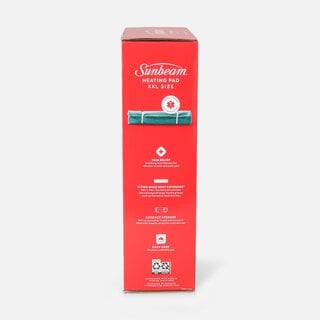
Popular alternatives include Sunbeam, UTK, and Pure Enrichment pads.
Frequently Asked Questions About Softheat Heating Pads
Why is my Softheat heating pad not turning on?
The most common cause is a power issue. Check that the cord is securely plugged into a working outlet and inspect the cord for damage. If the outlet works with other devices but the pad still won’t power on, the internal heating element or control unit may have failed.
How long do Softheat heating pads typically last?
Most heating pads last 3–5 years with moderate use. Daily use shortens lifespan. If your pad is older than 5 years and performance has declined, replacement is usually the best option.
Why does my heating pad shut off after a few minutes?
Many heating pads come with a built-in timer function that automatically shuts off the pad after a certain period of time, typically 60–90 minutes. This is a safety feature, not a malfunction. Check your timer settings and reset after each cycle.
Can I repair a heating pad with a broken heating element?
No. Once the heating element wears out or becomes damaged, it cannot be repaired—only replaced. Attempting internal repairs voids the warranty and poses a fire risk. Replacement is the safest solution.
Is it safe to use a heating pad that has a burning smell?
No. A burning smell indicates overheating or electrical damage. Unplug the pad immediately and discontinue use. This is a serious fire hazard, and the unit should be replaced.
Where can I find Softheat customer support?
Visit the manufacturer’s website or check the instruction manual included with your pad. Always refer to your heating pad’s instruction manual for specific troubleshooting steps tailored to your model.
Key Takeaways for Fixing Your Softheat Heating Pad
Start troubleshooting with the simplest checks: power source, cord integrity, and temperature settings. Most issues resolve within minutes once you identify the cause. If the heating element has failed or the pad shows physical damage, replacement is safer than repair. Always prioritize safety—never use a damaged, wet, or overheating pad. With proper care and safe usage habits, your next heating pad can deliver years of reliable relief.