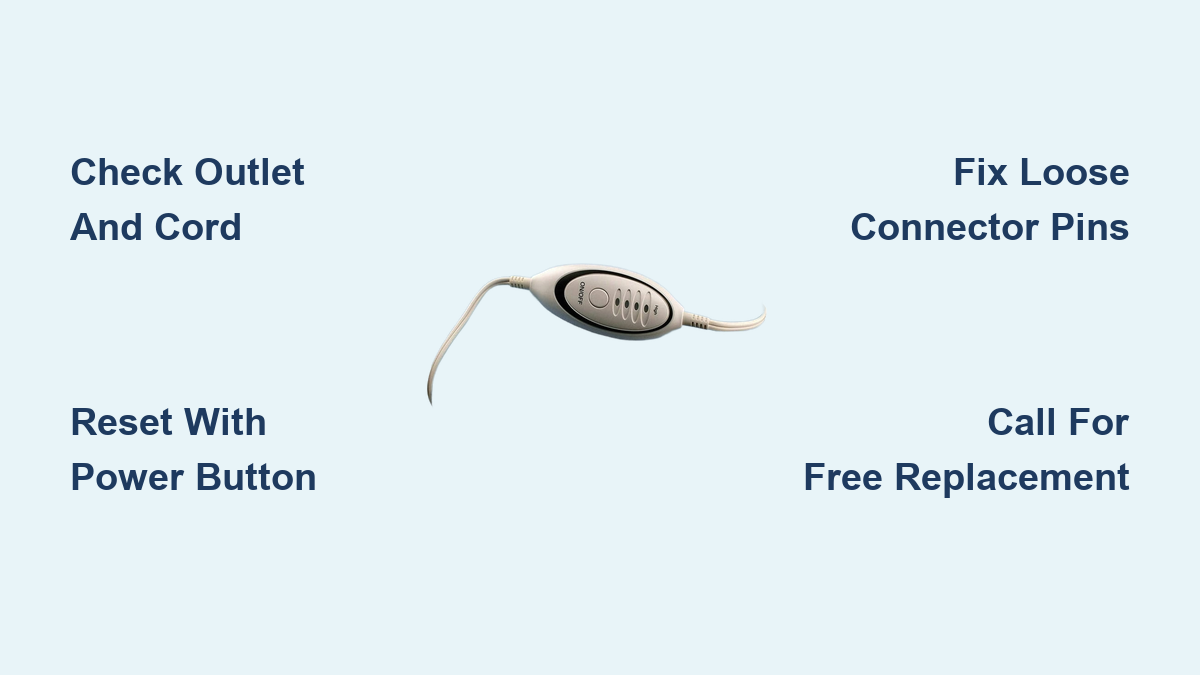
Fix Cara Heating Pad Not Working
You’re ready to unwind after a long day, plug in your Cara heating pad, press the power button, and nothing happens. No warmth. No light. Just silence. Or worse, a flashing red light that mocks your expectation of relief. You’re not alone. Thousands of users report the same issue with heating pads under brands like Cara, Sunbeam, and Walgreens, many of which share the same internal design and manufacturing flaws.
The good news? Most Cara heating pad not working problems are fixable, often in minutes. Whether it’s a simple power glitch, a worn connector, or a known factory defect, this guide walks you through proven troubleshooting steps, advanced fixes, and when to demand a free replacement. You’ll learn exactly what to do, with no guesswork and no wasted time.
Verify the Power Source First
Before assuming internal damage, confirm your heating pad is actually getting power.
Check the Outlet and Cord Connection
A surprising number of “dead” heating pads simply aren’t receiving electricity.
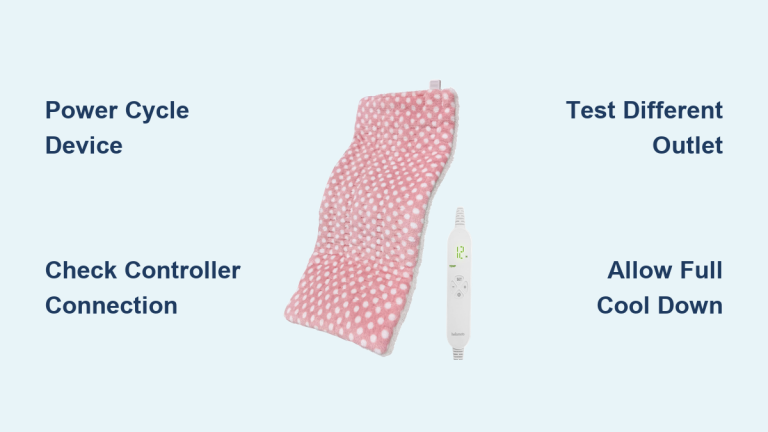
• Plug the unit into a different wall outlet, preferably one you’ve tested with another device like a lamp.
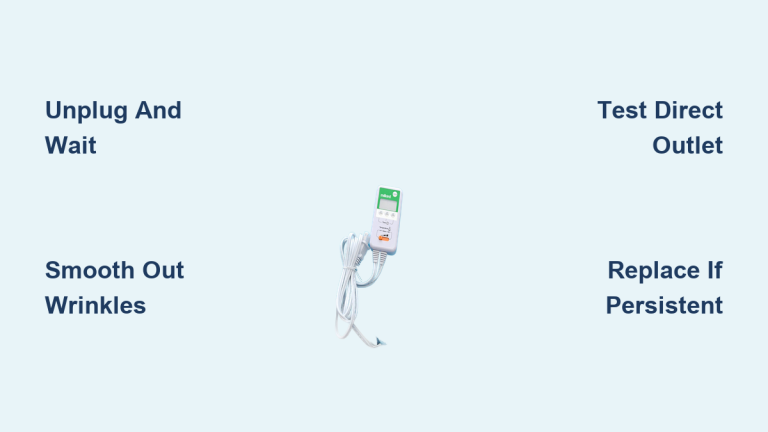
• Ensure the power cord is fully inserted into both the wall and the control unit.
• Inspect the entire cord for fraying, kinks, or cuts. Even minor damage can interrupt power flow.
🔌 Pro Tip: If the pad has a detachable cord, unplug and reconnect it firmly. Loose connections are a top cause of failure.
Test Control Settings and Timer
Sometimes, the pad works but not how you expect.
Confirm Heat Level and Power Mode
Many users assume their pad is broken when it’s just set incorrectly.
• Press the power button to cycle through settings. Some models only activate heat on High or Medium, not Low.
• If the indicator light is off or dim, try holding the button for 3 to 5 seconds to reset the control panel.
Disable or Adjust the Auto-Shutoff Timer
Most modern heating pads shut off automatically after 60 to 90 minutes.
• If your pad turns off too quickly, check the manual for timer override options.
• Some models allow you to hold the timer button to disable auto-shutoff for continuous use.
⚠️ Warning: Never bypass safety timers for unattended use. The risk of overheating increases significantly.
Identify the Flashing Red Light Defect
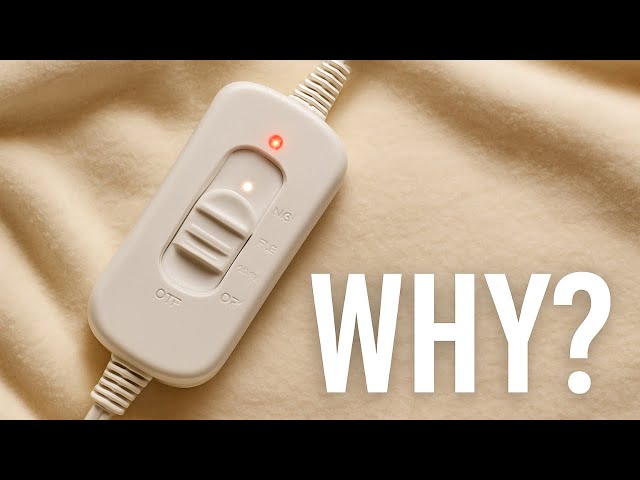
This is the signature symptom of a widespread factory defect common in Cara, Sunbeam, and Walgreens pads.
What a Flashing Red Light Means
• Symptom: Red light flashes only when set to High, with no heat produced.
• Cause: Internal wire joint failure between the power wire and the heating element.
• Models Affected: Cara (Sunbeam-affiliated), Model #788, #790, #810-915, #805810, #SW114, and #CAT93.
This isn’t user error. It’s a known design flaw where the factory-soldered connection breaks over time, cutting power to the heating wire.
Perform a Hard Reset (Power Cycle)
This is the number one fix for flashing lights and unresponsive controls.
Reset Your Heating Pad in 4 Steps
- Unplug the pad from the wall.
- Press and hold the power button on the control unit.
- While holding the button, plug the cord back in.
- Wait 5 to 10 seconds, then release the button.
✅ Success Rate: High. Many users report this fixes the issue instantly, even on pads that haven’t worked in months.
🔁 Repeat if needed: Some units require 2 to 3 reset cycles to stabilize.
Inspect and Adjust the Connector Pins
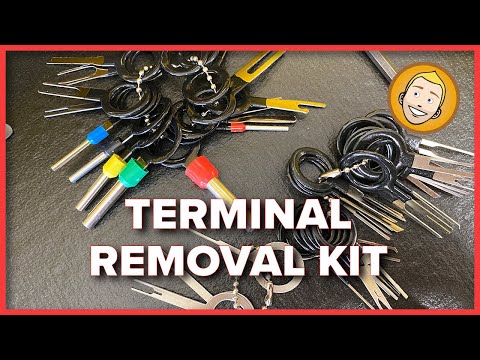
If the reset fails, the problem is likely poor contact in the plug.
Fix Loose Male Pin Connections
The detachable cord uses metal pins to carry current. Over time, these compress and lose contact.
Tools Needed:
• Small jeweler’s screwdriver (non-conductive handle)
• OR needle-nose pliers (for female socket adjustment)
Steps to Restore Connection
- Unplug and disconnect the cord from the pad.
- Examine the male pins on the cord end. Are they flat or recessed?
- Gently insert the screwdriver tip into each pin hole.
- Wiggle slightly to bend the pin outward, just enough to increase tension.
- Reconnect firmly and test.
✨ User Report: “I spread the pins with a tiny screwdriver… IT NOW WORKS like new!”
🔧 Alternative Fix: Use pliers to gently squeeze the female socket on the pad for a tighter fit.
Re-seat the Power Cable
A quick physical check that often gets overlooked.
Reconnect for Maximum Contact
- Unplug from wall and pad.
- Wait 30 seconds.
- Reconnect the cord to the pad, pushing until it clicks or feels solid.
- Plug into a known working outlet.
Sometimes, simply reseating ensures better conductivity, especially if the pins were slightly misaligned.
Know the Lifespan and Wear Limits
Even well-maintained heating pads don’t last forever.
When to Replace Instead of Repair
• Age: If your pad is over 5 years old, internal wear is expected.
• Reduced Heat: Takes longer to warm up or never reaches previous temperatures.
• Frequent Failures: Needs constant resets or pin adjustments.
🔄 Rule of Thumb: After 3 to 5 years, replacement is safer and more reliable than repeated fixes.
Contact the Manufacturer for a Free Replacement

If DIY doesn’t work, get a brand-new pad at no cost thanks to Sunbeam’s warranty policy.
Call Sunbeam Customer Service
• Phone: 1-800-458-8407 (the most direct line for heating pad replacements)
• What to Say:
“My Cara/Sunbeam heating pad has a flashing red light on High and won’t heat. Model #______. I’ve tried resetting and reseating. Can I get a replacement?”
What to Expect
• Free Replacement: Most users receive a new unit in 3 to 7 days.
• No Return Required: Sunbeam often ships a replacement without asking for the old one back.
• Warranty Coverage: Up to 5 years, even if you don’t have a receipt.
⏱️ User Experience: “Spoke to a rep, explained the issue, and got a replacement in under 5 minutes. No questions asked.”
Avoid Safety Hazards
Never ignore warning signs that indicate serious danger.
Stop Using If You Notice:
• Electrical shocks from the control unit or pad
• Burning smell or scorch marks on the fabric
• Sparking or buzzing sounds
• Visible damage to wires or connectors
🔥 Risk: Broken internal wires can overheat, creating a fire hazard. One user called their pad “a fire just waiting to happen.”
🛑 Action: Unplug immediately. Do not attempt to open or repair the heating element housing. Return or replace it instead.
Prevent Future Failures
Extend the life of your next heating pad with smart habits.
Care and Storage Tips
• Avoid Folding: Never crease the pad sharply, as this breaks internal wires.
• Store Flat or Rolled Gently: Keeps heating elements intact.
• Unplug After Use: Reduces electrical stress and fire risk.
• Check Cord Monthly: Look for wear, especially near connectors.
💡 Pro Tip: Keep the control unit dry and off the floor to prevent moisture damage and tripping hazards.
Consider Alternative Brands
If you’re tired of recurring issues, switching to a more reliable model may help.
Recommended Alternatives
• Uray Large Heating Pad: Known for durable wiring and even heat distribution.
• Zyllion Shiatsu Back Massager with Heat: Combines massage and heat with fewer reported electrical issues.
• Beurer (European Brand): Higher build quality and longer lifespans.
🆚 Why Switch?: Sunbeam and Cara pads are prone to a systemic defect. Even new units may fail within a year.
Frequently Asked Questions About Cara Heating Pad Problems
Why is my Cara heating pad flashing red but not heating?
A flashing red light on the High setting indicates a known factory defect where the internal connection between the power wire and heating wire has broken. This affects Cara, Sunbeam, and Walgreens models including #788, #790, #810-915, #805810, #SW114, and #CAT93. Try a hard reset first, then adjust the connector pins.
How do I reset my Cara heating pad?
Unplug the pad from the wall. Press and hold the power button on the control unit. While still holding the button, plug the cord back into the outlet. Wait 5 to 10 seconds, then release. If the light stabilizes and heat returns, the reset worked. Some units need 2 to 3 attempts.
Can I fix a heating pad that won’t turn on?
Yes, in many cases. Start by testing a different outlet and checking the cord for damage. Try the hard reset method. If that fails, gently spread the male connector pins with a small screwdriver to improve contact. If none of these work, contact Sunbeam at 1-800-458-8407 for a free replacement under warranty.
Is it safe to keep using a heating pad that shocks me?
No. Stop using it immediately and unplug it. Electrical shocks indicate compromised internal wiring, which poses both shock and fire hazards. Do not attempt to open the heating element housing. Contact Sunbeam for a replacement or discard the unit.
How long do Cara heating pads typically last?
With regular use, most heating pads last 3 to 5 years before internal components degrade. Signs of end-of-life include longer warm-up times, failure to reach previous temperatures, and frequent need for resets. After 5 years, replacement is usually safer than repair.
Will Sunbeam replace my Cara heating pad for free?
Most likely, yes. Sunbeam offers a 5-year warranty on its heating pads and has a documented history of sending free replacements for the flashing red light defect, often without requiring the old unit to be returned. Call 1-800-458-8407 and mention the flashing light issue and your model number.
Key Takeaways for Fixing Your Cara Heating Pad
When your Cara heating pad stops working, follow this fast-action plan:
- Check the outlet and cord to confirm power is reaching the unit.
- Verify your settings to ensure it’s on High and the timer isn’t cutting it off.
- Try the hard reset by holding the power button while plugging it in.
- Inspect the connector pins and adjust them with a screwdriver if loose.
- Reseat the cable to ensure a tight connection.
- If all else fails, call 1-800-458-8407 for a free replacement.
Most issues stem from a known manufacturing flaw, not user error. You’re not stuck with a broken pad. You’re entitled to a working one.
Don’t suffer through pain because your heating pad failed. Fix it fast, or get it replaced. Relief is just one call away.