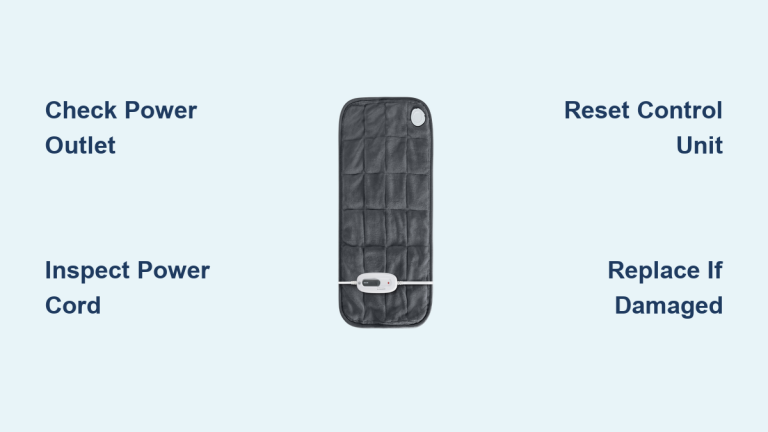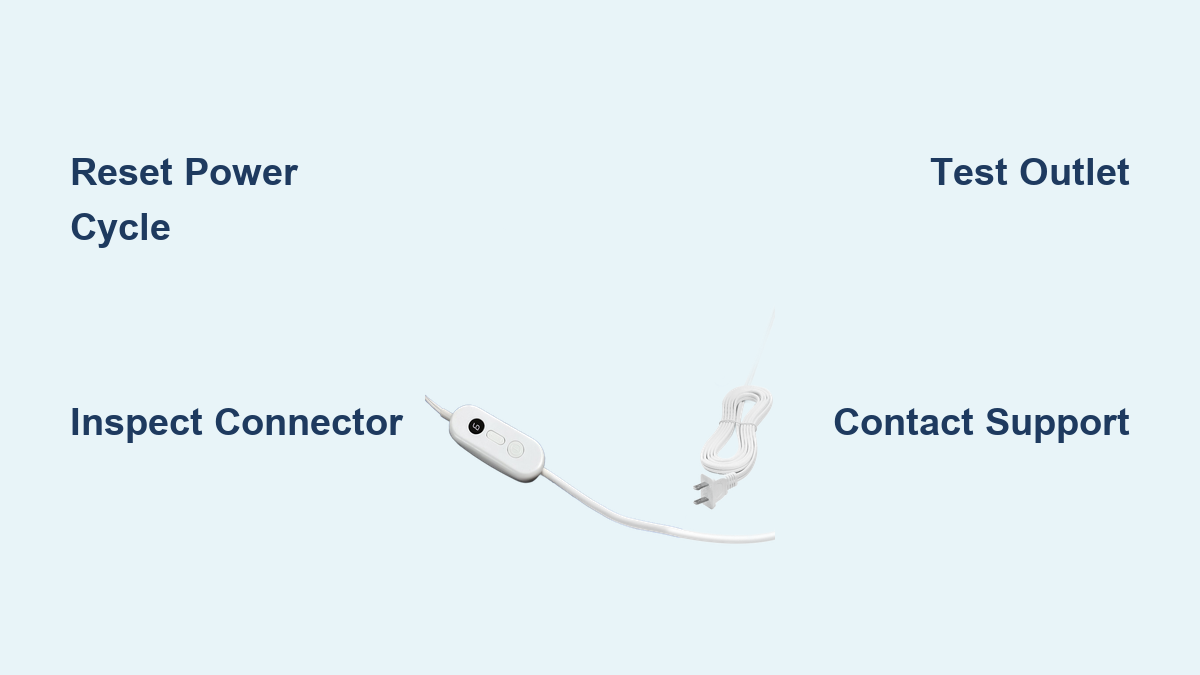
Fix Sable Heating Pad Not Working
If your Sable heating pad isn’t heating or shows a flashing red light, you’re not alone. Many users report the same issue—pad powers on, indicator lights flash (especially red on high setting), but no heat is produced. While the brand may differ, including Sable, Sunbeam, or store variants like Walgreens, the underlying problem and solutions are often identical. This guide walks you through proven troubleshooting steps to fix a Sable heating pad not working, from simple resets to warranty claims and advanced repairs.
You’ll learn how to diagnose the fault, apply fast fixes, avoid safety risks, and get a free replacement if needed, all based on real user experiences and verified solutions.
Reset the Heating Pad
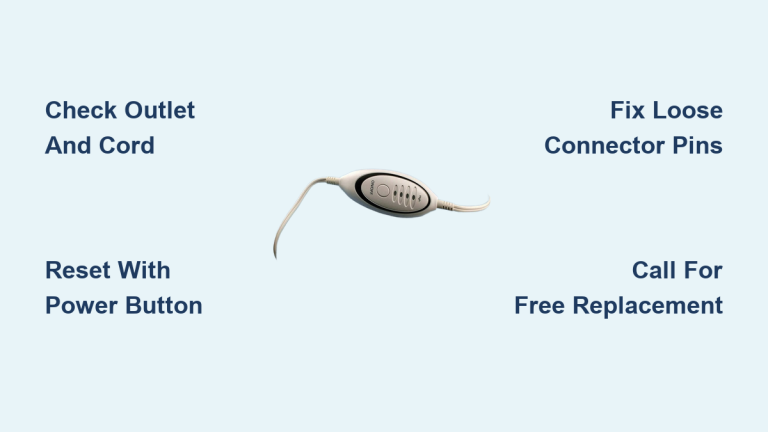
The most common fix for a non-heating Sable pad is a simple reset. This clears electronic glitches that prevent the heating circuit from activating.
Perform a Power Cycle
- Unplug the pad from the wall outlet.
- Wait 30 to 60 seconds to allow the internal controller to fully reset.
- Press and hold the power button.
- While holding the button, plug the unit back into the outlet.
- Continue holding for 5–10 seconds after plugging in.
- Release and test the heat settings.
Repeat this process up to four times if the first attempt fails. Multiple users confirm this method restored function, even on brand-new units straight out of the box.
When Reset Works But Heat Fails Again
Some users report the pad heats for a few minutes after reset, then stops again with the red light flashing. This indicates an intermittent connection, not just a software glitch. Move to physical inspection next.
Inspect the Connector Joint

A loose or poorly contacting connector between the pad and control unit is a frequent cause of failure. Even slight misalignment blocks current flow.
Check Plug Connection
• Unplug both ends: controller from wall, and pad from controller.
• Examine the metal contacts on the male plug attached to the pad.
• Look for discoloration, corrosion, or bent pins.
Improve Electrical Contact
• Use a jeweler’s screwdriver to gently pry apart the metal tabs on the male connector.
• Slight spreading ensures a tighter, more secure fit when reinserted.
• Reconnect firmly and test on low, then high setting.
This minor physical adjustment has revived multiple non-working units. It compensates for manufacturing variances in plug tightness.
Test Power Supply and Outlet
Before assuming the pad is faulty, verify the power source.
Confirm Outlet Function
• Plug in another device like a lamp or phone charger to ensure the outlet works.
• Avoid using extension cords or power strips. Plug directly into the wall.
Inspect Cord and Controller
• Run your fingers along the power cord for kinks, cuts, or soft spots.
• Check the controller box for swelling, burning smell, or discoloration.
• If damage is visible, do not use. Replace immediately.
A bad outlet or damaged cord mimics internal heater failure.
Contact Customer Support for Replacement
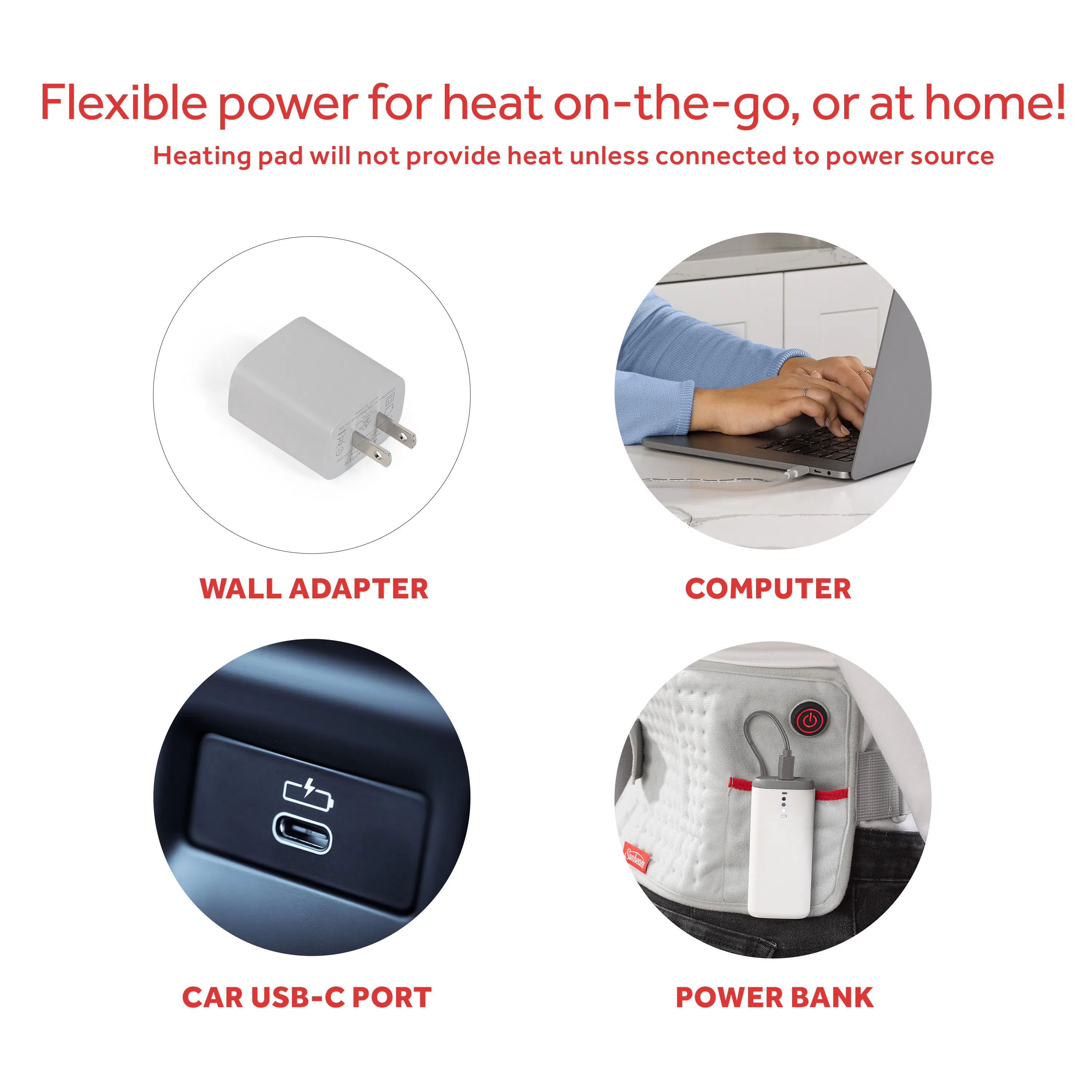
Sable and Sunbeam heating pads share design and support channels. If troubleshooting fails, get a free replacement, as many users do.
Call Sunbeam Support
• Phone: 1-800-458-8407
• Hours: Typically 8 AM – 8 PM EST (call early for best response)
Be ready with:
• Model number (found on label at pad edge or controller)
• Purchase date (if available)
• Description of issue: “Flashing red light, no heat after first use”
What to Expect
• Reps often ship a new unit within 24–48 hours.
• No need to return the defective pad in many cases.
• Warranty: Up to 5 years on select models. Support may honor even without proof of purchase.
One user received a working replacement the next day after speaking with a rep named Lesly, a name others have confirmed as helpful.
If You’re Outside the U.S.
International customers report mixed results:
• Some receive replacements with shipping fees.
• Others are told the warranty is region-locked.
• Tip: Mention if purchased via Amazon or U.S. retailer, as support may assist.
Fix Internal Solder Joint (Advanced)

For tech-savvy users, a permanent fix may lie inside the pad’s connection point.
Identify the Fault
One user traced the issue to a broken solder joint where the heating wire meets the power wire at the pad’s input terminal.
Symptoms:
• Intermittent heat
• Works only at certain angles
• Fails after reset
Repair Steps
- Remove the rivet securing the connection point using a drill or punch.
- Strip and twist the heating and power wires securely.
- Join with a small bolt and nut instead of solder.
- Insulate thoroughly with heat-shrink tubing or electrical tape.
- Reassemble carefully.
Warning: This voids the warranty and poses shock or fire risk if done improperly. Only attempt if you have electrical experience.
Recognize Safety Risks
Don’t ignore warning signs beyond lack of heat.
Shock from Control Unit
Multiple users report mild electric shocks when touching the controller. This is dangerous and indicates:
• Grounding failure
• Internal short circuit
• Moisture ingress
Stop using immediately if you feel any tingling or shock. Unplug and replace. Do not attempt repair.
Overheating or Burning Smell
Even if the pad heats, any odor, smoke, or hot spots means:
• Insulation breakdown
• Wire short
• Fire hazard
Retire the unit and contact support for a safe replacement.
Prevent Future Failures
Avoid repeat issues with proper use and storage.
Handle the Connector Gently
• Always disconnect by pulling the plug, not the cord.
• Avoid twisting or forcing the connector.
Store Flat and Dry
• Never fold tightly, as this damages internal wires.
• Keep in a cool, dry place away from moisture.
Warm Up Properly
• Turn on low first, then increase to high.
• Don’t leave unattended for more than 20 minutes.
Frequently Asked Questions About Sable Heating Pad Issues
Why is my Sable heating pad flashing red but not heating?
A flashing red light with no heat typically indicates an electronic glitch or a poor connection between the pad and controller. Try the power cycle reset first, then inspect the connector for loose contacts.
How do I reset my Sable heating pad?
Unplug the pad for 30–60 seconds, then hold the power button while plugging it back in. Continue holding for 5–10 seconds before releasing. Repeat up to four times if needed.
Can I get a free replacement for a defective Sable heating pad?
Yes. Call Sunbeam support at 1-800-458-8407. Many users receive free replacements within 24–48 hours, and some models carry up to a 5-year warranty.
Is it safe to keep using a heating pad that gives off a burning smell?
No. A burning smell or smoke indicates insulation breakdown or a wire short, which poses a fire hazard. Stop using the pad immediately and contact support for a replacement.
What models are affected by the flashing red light issue?
Users have reported the issue on models 788, 790, 810-915 (P.N. 122659), 805810 HeatSense, and SW114, including brand-new units.
Can I fix the connector myself without voiding the warranty?
Gently spreading the male contacts with a jeweler’s screwdriver is a low-risk fix that does not open the unit. However, internal repairs like fixing solder joints will void the warranty.
Final Thoughts: Is the Sable Heating Pad Reliable?
Despite widespread reports of the flashing red light, no heat issue, most users find resolution through Sunbeam’s responsive support and free replacements. The problem spans models including 788, 790, 810-915, SW114, and HeatSense, suggesting a design flaw in the connector or control board.
While temporary fixes like resetting or adjusting the plug help, recurring failures point to inherent quality control issues. If your Sable heating pad stops working:
1. Try the reset trick
2. Inspect and tighten the connector
3. Call support for a replacement
4. Consider switching brands if the issue repeats
Until design improvements are made, treat the Sable or Sunbeam pad as a replaceable item, but know that help is just a phone call away. Thousands of users have restored function or received free replacements for their Sable heating pad not working. Act quickly by applying resets, checking connections, and contacting Sunbeam support at 1-800-458-8407 to get back to safe, reliable heat.