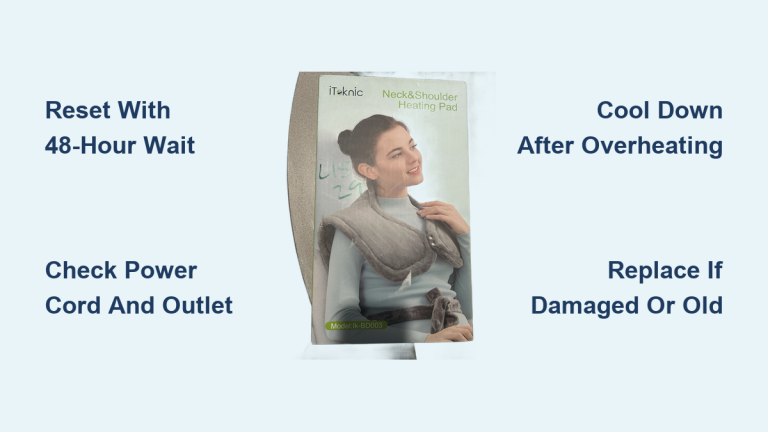
Fix Heating Pad Blinking Light Issue
A heating pad not working light blinking issue can stop your comfort routine in its tracks. This warning signal usually means the pad’s internal safety system has detected a fault, such as overheating, moisture, or an electrical problem. The blinking light is not a random glitch. It is a deliberate alert designed to prevent fire or shock hazards. The encouraging news is that many causes are fixable at home with simple steps.
In this guide, you will learn how to interpret the blinking pattern, perform safe resets, inspect for damage, and decide when professional help is needed. These actionable troubleshooting tips apply to most brands, including popular Sunbeam models.
Decode the Blinking Light Pattern

Understand What the Flashing Means
A blinking light is a diagnostic message, not a malfunction. Different brands use specific blink patterns to communicate error types. Common patterns include:
- One blink, pause, repeat: Often points to a sensor fault or open circuit.
- Rapid blinking: May indicate overheating or controller failure.
- Red light blinking: Commonly signals a safety shutoff in Sunbeam models.
Check your user manual for model-specific codes. If the manual is missing, search online using your pad’s model number along with the phrase “blinking light meaning.”
Check for Safety Shutoff Activation
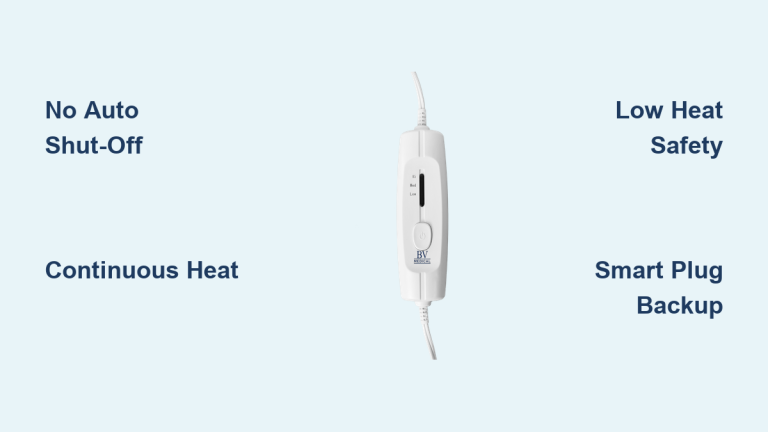
Most heating pads include auto-shutoff features that activate when a risk is detected. Frequent triggers include:
- Overheating from being folded, bunched, or covered
- Moisture inside the pad or controller
- Power surges or unstable voltage
Unplug the pad immediately when you see blinking. Continued use can damage internal components or create fire hazards.
Perform a Safe Reset

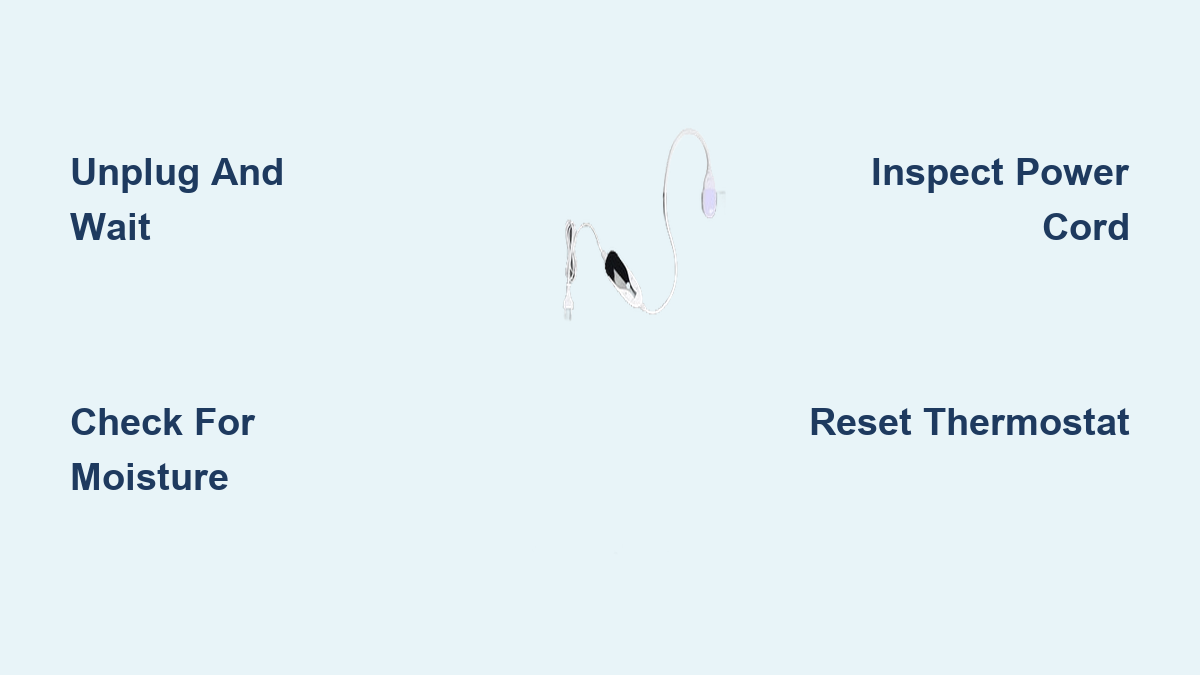
Unplug and Wait Before Restarting
Start with the simplest fix: unplug the heating pad for at least 5 minutes. This clears error codes from the internal controller and resets thermal sensors. After waiting:
- Make sure the pad is lying flat, unfolded, and uncovered
- Plug it back in
- Turn it on at the lowest setting
If the light stops blinking and heat returns, the issue was likely temporary overheating.
Avoid Common Reset Mistakes
- Do not plug it back in after only 30 seconds. Internal circuits need time to reset.
- Do not use an extension cord during reset. This can cause voltage drops.
- Do test the outlet with another device to confirm power is flowing.
Inspect for Moisture Damage
Dry the Pad and Controller Thoroughly
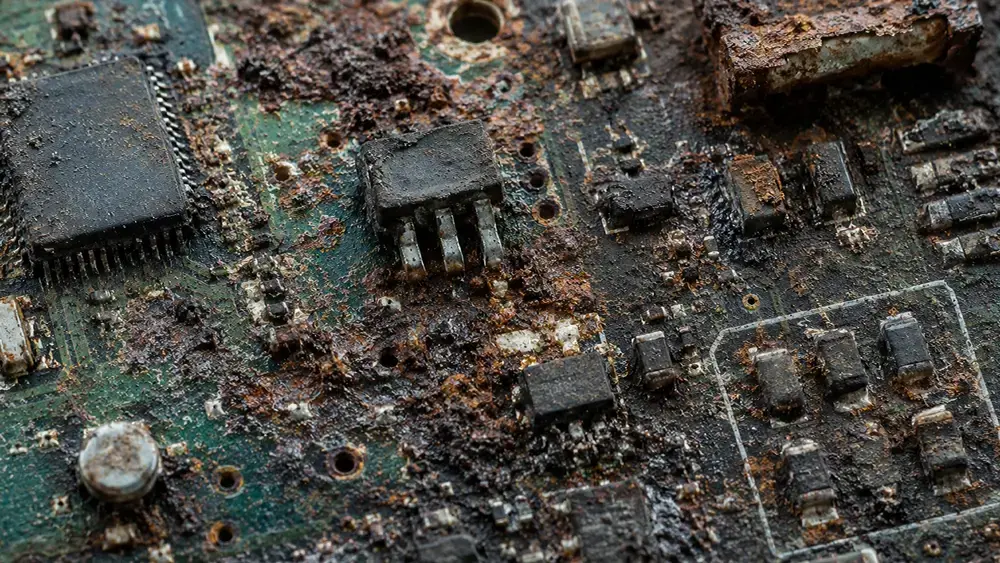
Moisture is a leading cause of heating pad not working light blinking problems, especially after washing, spills, or storage in humid areas. Water can seep into the controller or wiring and trigger a safety fault.
To address moisture:
- Unplug and remove the controller if it is detachable
- Wipe all surfaces with a dry cloth
- Let the pad and controller air-dry for 24 to 48 hours in a warm, dry location
- Do not use a hairdryer or heater. Excess heat can damage internal wires.
Never submerge the controller in water, and only wash the pad if the manual explicitly permits it.
Look for Water Exposure Clues
Signs that moisture may be the culprit:
- Blinking started after washing or a spill
- Musty smell coming from the pad
- Discoloration or dampness in the fabric
- Corrosion on the plug or controller terminals
If blinking persists after thorough drying, internal damage may require professional repair.
Test the Power Cord and Connections

Examine the Cord for Physical Damage
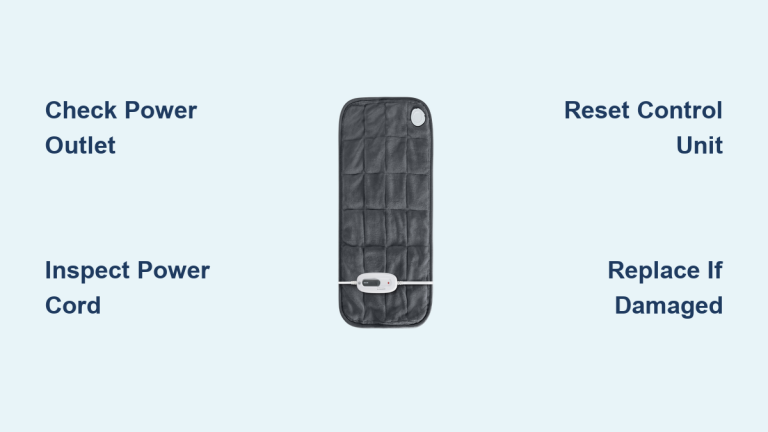
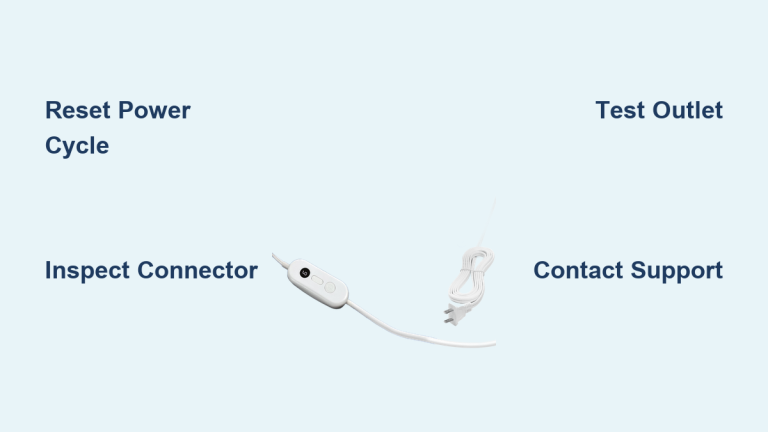
A frayed, kinked, or pinched power cord can break electrical continuity and cause the light to blink. Inspect the entire length, paying close attention to the plug ends and controller connection.
Look for:
- Exposed wires
- Burn marks or melted insulation
- Stiff or sharply bent sections
- Loose connection at the controller
If you spot any damage, stop using the pad immediately and replace the cord or the entire unit.
Use a Multimeter to Check Continuity
For a definitive test:
- Set a multimeter to continuity mode (Ω or beep symbol)
- Unplug the heating pad
- Test from the wall plug pins to the controller end
- A continuous beep means the cord is intact. Silence indicates a break.
A broken circuit in the cord is a common cause of blinking lights and typically requires replacement.
Rule Out Overheating Issues
Ensure Proper Usage Conditions
Overheating sensors trigger blinking when the pad cannot dissipate heat properly. This often happens when:
- The pad is folded, bunched, or buried under heavy blankets
- It runs on the high setting for extended periods
- It sits on a heat-trapping surface like a thick comforter
During troubleshooting, always use the pad on a flat, hard surface. Never sleep with it on unless the model is specifically designed for overnight use.
Prevent Future Overheating
- Use only the recommended heat settings
- Avoid covering the pad with thick layers
- Do not sit or lie directly on the controller
- Replace pads older than 5 years, since sensors degrade over time
Evaluate Internal Component Failures
Identify Faulty Thermostat or Heating Element
If all external checks pass but the light still blinks, the issue may be internal. Common culprits include:
- Failed thermostat: Cannot regulate temperature, causing false overheating signals
- Broken heating wire: Creates an open circuit that the system detects as a fault
- Damaged control board: Especially in digital models, may need full replacement
These components are generally not user-repairable without technical skill and proper tools.
Know When to Stop DIY Troubleshooting
Stop and seek professional help if:
- The pad blinks even after 48 hours of drying
- Reset and cord checks do not resolve the issue
- You smell burning or see smoke
- The controller feels hot to the touch
Continuing to use a blinking heating pad risks fire or electric shock.
Consult Manufacturer or Expert Help
Contact Customer Support
Brands like Sunbeam, Beurer, and Homedics often provide troubleshooting guides and replacement parts. Have your model number ready and describe the blinking pattern in detail. Some manufacturers offer:
- Free diagnostics over phone or email
- Replacement controllers for older models
- Recall or warranty checks
Visit the official website or call support rather than relying solely on third-party advice.
Hire a Qualified Technician
For high-end or medical-grade heating pads, professional repair may be cost-effective. A qualified technician can:
- Diagnose internal sensor faults
- Replace damaged thermostats or wires
- Test for electrical safety compliance
Confirm that they use OEM parts and follow recognized safety standards.
Prevent Future Blinking Issues

Store and Use the Pad Properly
Prevention is the best strategy for long-lasting performance:
- Always unplug after use
- Store flat or loosely rolled. Never fold tightly.
- Keep away from pets and sharp objects
- Avoid placing heavy items on the cord
Replace Aging Units
Heating pads typically last 3 to 5 years with regular use. Warning signs that replacement is needed include:
- Frequent blinking without a clear cause
- Uneven heating or cold spots
- Flickering lights even on a new pad
- Outdated safety features
Modern pads offer better overheat protection and improved energy efficiency.
Frequently Asked Questions About Heating Pad Blinking
Why is my Sunbeam heating pad blinking red and not working?
A red blinking light on a Sunbeam heating pad usually signals a safety shutoff or internal error. Moisture, damaged power cords, or internal faults are common triggers. Refer to your model’s manual for specific blinking code meanings.
What does a blinking light on a heating pad mean?
A blinking light generally indicates an error or an activated safety feature meant to prevent overheating or electrical hazards. It can range from a minor reset issue to a serious internal fault.
How do I reset a heating pad after it starts blinking?
Unplug the heating pad for at least 5 minutes to clear error codes and allow internal circuits to reset. Make sure the device is dry and undamaged before plugging it back in.
Can I fix a heating pad that blinks after being washed?
If water entered the heating pad, unplug it immediately and allow thorough drying for 24 to 48 hours. Minor issues may clear after drying, but persistent blinking usually requires professional inspection or replacement.
Is it safe to keep using a heating pad that is blinking?
No. A blinking heating pad signals a safety shutdown, and continued use could lead to overheating or electrical hazards. Always diagnose and resolve the cause before using the pad again.
How long should a heating pad last before replacement?
Most heating pads last 3 to 5 years with regular use. Replace yours sooner if you notice frequent blinking, uneven heating, or outdated safety features.
Key Takeaways for Fixing a Heating Pad Not Working with a Blinking Light
A blinking light is a warning, not a minor glitch. Start by unplugging the pad and performing a 5-minute reset, then inspect for moisture and cord damage. Use a multimeter to confirm cord continuity if the issue persists. Avoid folding the pad or using it on high settings for long stretches, and replace any unit older than 5 years.
Your next step: Unplug your heating pad right now, wait 5 minutes, and try the reset on the lowest setting. If the light keeps blinking, move through the inspection checklist in this guide before deciding whether to repair or replace.