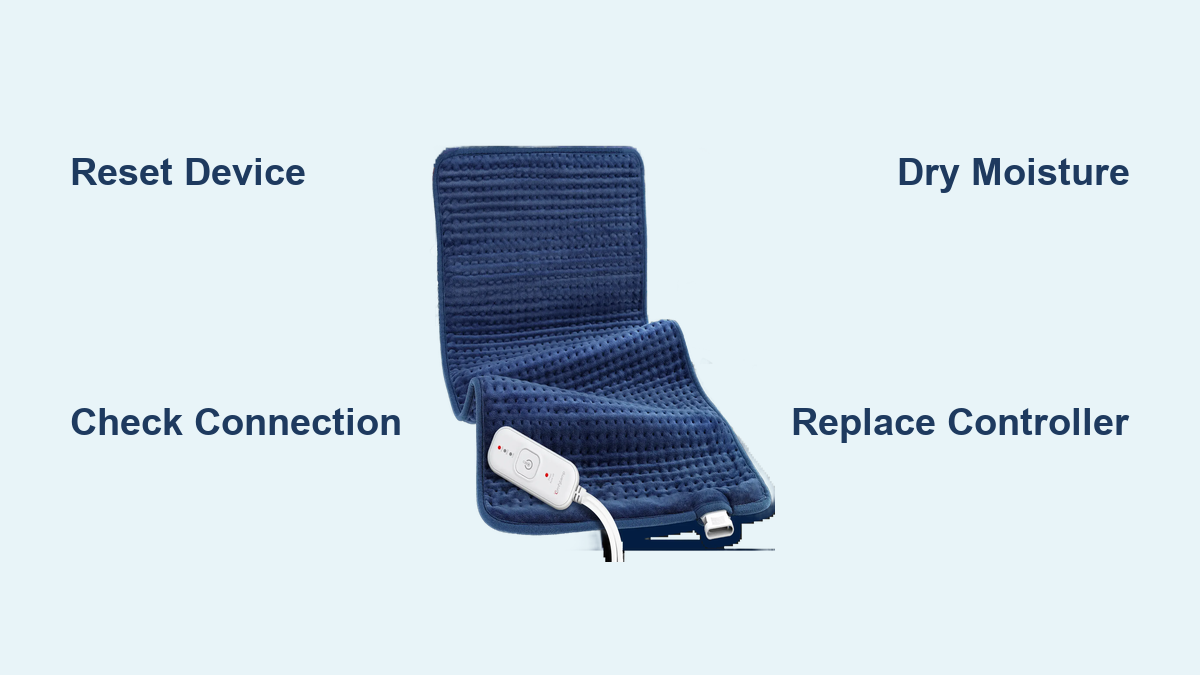
Fix Comfytemp Heating Pad Blinking
You plug in your Comfytemp heating pad, press the power button, and instead of warming up, the light starts blinking. Frustration kicks in, especially when you’re looking forward to relief from muscle pain or stiffness. A blinking light on your Comfytemp heating pad isn’t just annoying; it’s a signal that something’s wrong. The good news? Most causes are simple to diagnose and fix at home.
In this guide, you’ll learn exactly why your Comfytemp heating pad is blinking, how to reset it, and what steps to take if the problem persists. No guesswork, just clear, actionable solutions you can apply right away.
Why Your Comfytemp Heating Pad Is Blinking

A blinking indicator on your Comfytemp heating pad typically means the device has entered safety lock mode or detected a fault. This is a built-in protection feature designed to prevent overheating or electrical damage. It does not always mean your pad is broken. Common triggers include improper connections, power surges, or moisture exposure.
Blinking Light Patterns Explained
Different blink patterns can point to specific issues:
- Single flash every few seconds: Normal startup sequence or low heat setting
- Rapid blinking (2+ flashes per second): Connection issue or sensor fault
- Intermittent flashing with no heat: Auto-shutoff triggered or control unit problem
If the pad doesn’t heat and the light blinks rapidly, proceed to troubleshooting.
Common Causes of Blinking
- Loose connection between pad and controller
- Damaged or frayed power cord
- Moisture inside the pad or control unit
- Power surge or voltage fluctuation
- Overheating due to blocked ventilation
Avoid using the pad until you identify the cause. Continued use could lead to permanent damage.
How to Reset Your Comfytemp Heating Pad
Before replacing parts or contacting support, try a full reset. This often clears temporary glitches.
Power Cycle the Device
- Unplug the pad from the wall outlet
- Detach the controller from the pad’s connection port
- Wait 5 to 10 minutes to let internal circuits reset
- Reconnect the controller firmly
- Plug back into a working outlet
Press the power button. If the light stays solid or heats normally, the issue is resolved.
Check the Outlet and Cord
Use a lamp or phone charger to test the outlet and confirm it’s delivering power. Inspect the power cord for kinks, cuts, or swelling. A damaged cord should be replaced immediately to avoid safety risks.
Inspect the Connection Points

Poor contact between components is a top cause of blinking lights on heating pads.
Clean the Connector Ports
Dust or debris can block electrical contact:
- Use a dry cotton swab to gently clean the port on the pad
- Wipe the controller plug with a dry cloth
- Ensure no moisture remains in either component
Reconnect tightly. You should hear a soft click on secure models.
Confirm Proper Alignment
Misalignment prevents signal transmission between the pad and controller:
- Match the plug’s notch with the port guide
- Push straight in; don’t angle or force the connection
- Avoid wiggling once connected
A loose fit may require replacement of the connector or control unit.
Prevent Overheating Triggers
The pad may blink if it detects unsafe temperatures during use.
Avoid Folding or Piling
Never fold the pad while in use. Heat builds up in creases, triggering auto-shutoff. Lay it flat or drape it over the body without layering blankets on top.
Don’t Cover with Heavy Materials
Thick bedding or pillows trap heat. Use only a light sheet if needed. Keep the surface well-ventilated for safe operation.
Limit Continuous Use
Most Comfytemp pads have a 2-hour auto-off feature. If used beyond this without cooldown, the system may blink to signal overuse. Let the pad rest for at least 30 minutes before restarting.
Test for Moisture Damage
Water exposure can short-circuit internal sensors and cause persistent blinking.
Signs of Moisture Exposure
- Fog inside the control unit
- Discoloration around the connector
- Musty smell from the pad
If any of these are present, do not plug in the device.
Dry the Unit Safely
- Unplug and disassemble if possible
- Wipe the exterior with a dry cloth
- Place in a dry, warm area (not direct sunlight) for 24 to 48 hours
- Use a fan to circulate air around the unit
Do not use hairdryers or heaters. Excess heat damages internal components.
Replace Faulty Components
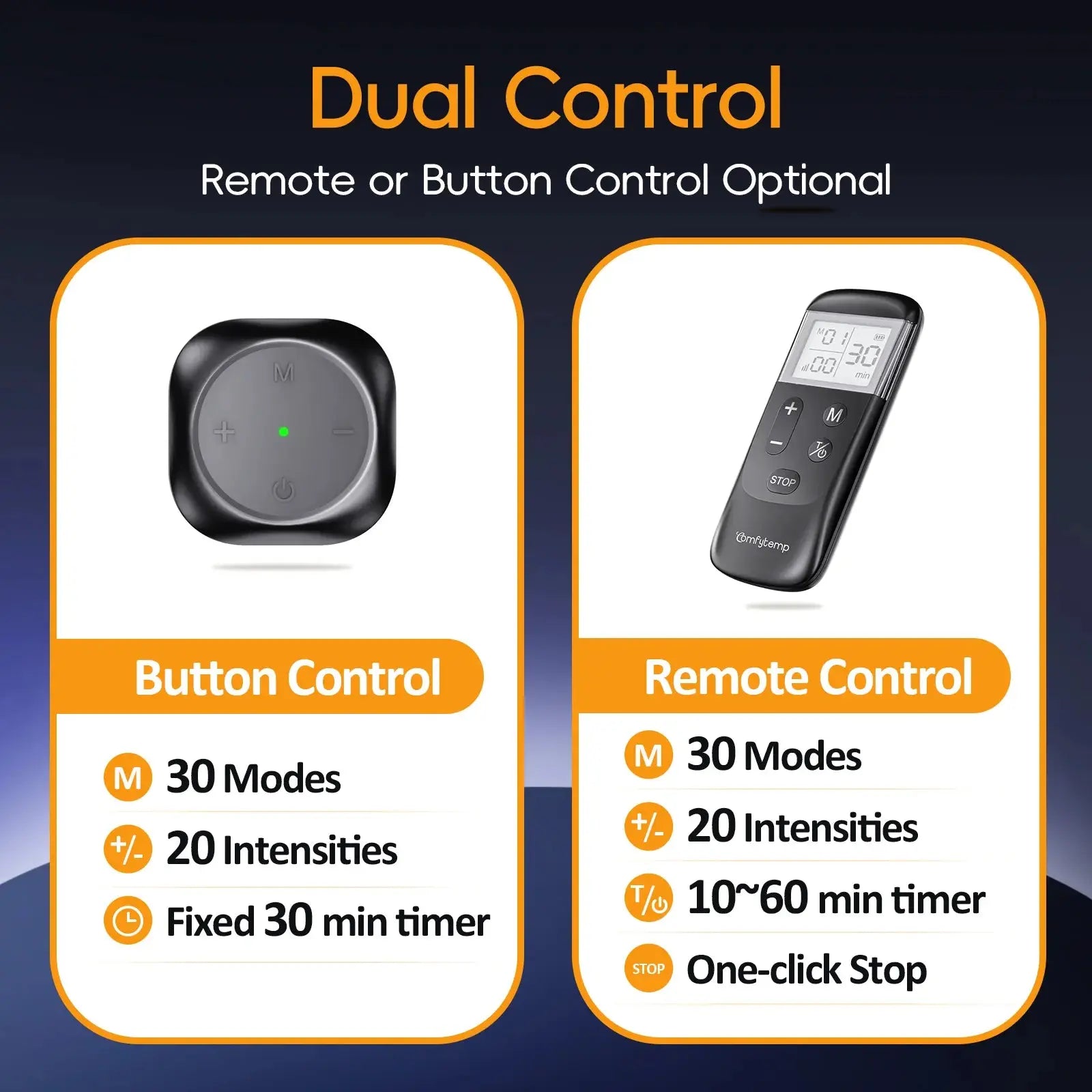
If troubleshooting fails, a part may need replacement.
Swap the Controller Unit
The control box is often the culprit behind a blinking Comfytemp heating pad. Order a compatible replacement from the manufacturer or authorized seller. Match model numbers exactly to avoid compatibility issues.
Use OEM Parts Only
Aftermarket controllers may not sync properly, causing persistent blinking. Stick to original equipment to ensure compatibility and safety.
Consider Pad Replacement
If the pad is over 3 to 5 years old or shows visible wear like blisters, burns, or stiffness, replacement is safer than repair. Continued use poses fire or shock risks.
When to Contact Support
Not all issues can be self-fixed at home.
Contact Manufacturer If
- The pad blinks after all reset attempts
- You smell burning or see smoke
- The warranty is still active
Provide your model number and purchase date. Many companies offer free replacements within warranty periods.
Report Safety Hazards
If your pad overheats, sparks, or causes burns, report it to the consumer safety board. This helps track defective batches and protects other users.
Frequently Asked Questions About Comfytemp Heating Pad Blinking
Why is my Comfytemp heating pad blinking and not heating?
A blinking light with no heat usually indicates a connection issue between the pad and controller. It can also signal that the auto-shutoff has triggered due to overheating or overuse. Try power cycling the device and checking all connections first.
How do I reset my Comfytemp heating pad?
Unplug the pad, disconnect the controller, and wait 5 to 10 minutes. Reconnect everything firmly and plug back into a working outlet. This power cycle clears most temporary faults.
Is it safe to keep using a blinking heating pad?
No. Stop using the pad immediately if it blinks unexpectedly. Continued use can lead to overheating, electrical damage, or fire hazards. Identify and fix the cause before using it again.
Can moisture cause my heating pad to blink?
Yes. Water exposure can short-circuit internal sensors and trigger the blinking safety mode. If you suspect moisture damage, dry the unit thoroughly for 24 to 48 hours before testing it again.
What does rapid blinking mean on a Comfytemp pad?
Rapid blinking (2 or more flashes per second) typically points to a connection issue or sensor fault. Check the connector ports for debris, moisture, or misalignment.
When should I replace my heating pad instead of repairing it?
Replace the pad if it’s over 3 to 5 years old, shows visible wear like burns or stiffness, or continues blinking after all troubleshooting steps. Safety should always come first.
Key Takeaways for Fixing a Blinking Comfytemp Heating Pad

A blinking Comfytemp heating pad is usually fixable with basic checks. Start by resetting the device, inspecting connections, and ensuring dry, proper use. Most problems stem from loose plugs or overheating, not internal failure.
By following the steps in this guide, you can restore function quickly and safely. Always prioritize manufacturer-approved parts and discontinue use if warning signs persist. For long-term reliability, replace pads every few years or at the first sign of wear. When in doubt, reach out to Comfytemp support with your model number for personalized help.